Visual Cards
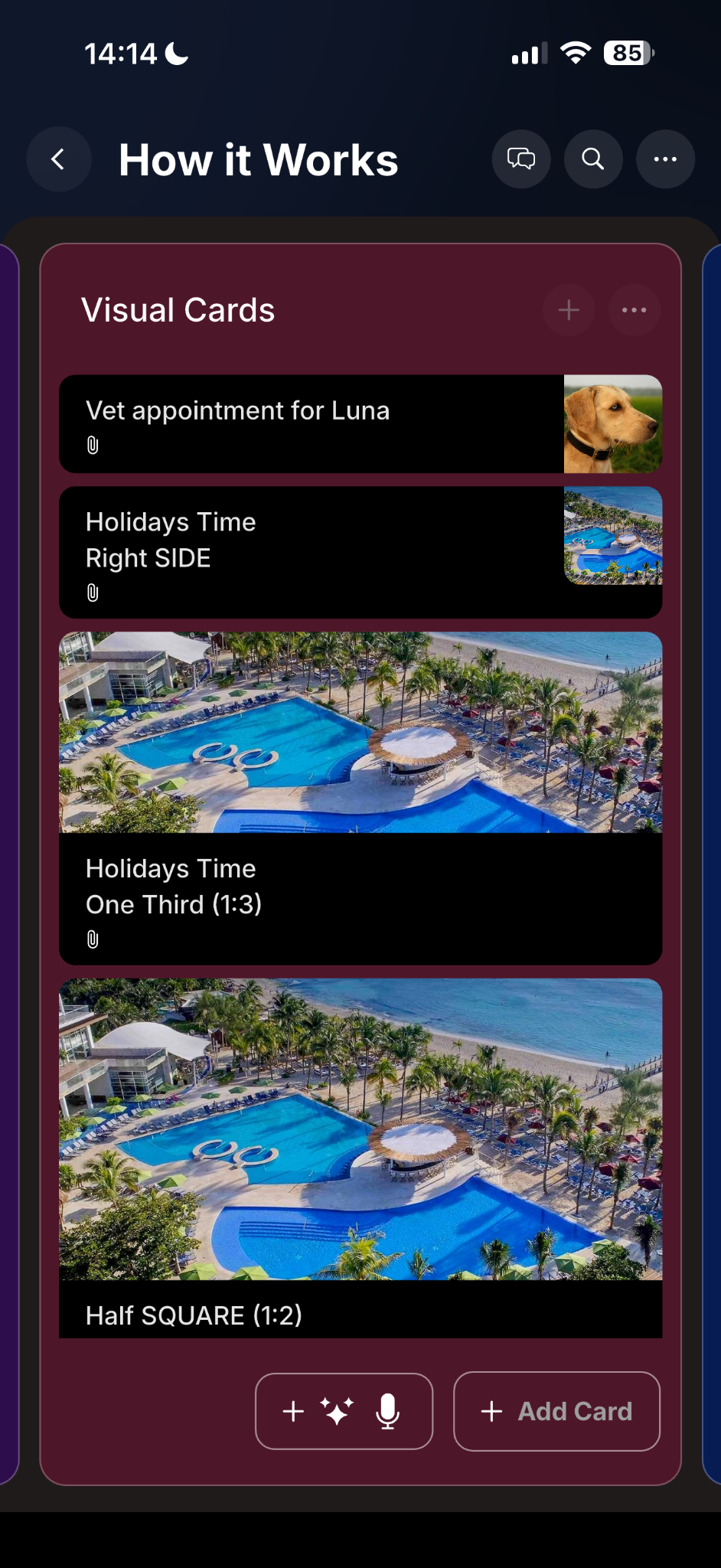
Attach images and files to cards, choose thumbnail layouts, and make important tasks instantly recognizable.

PlanBoards turns tasks, notes, files, and ideas into a colorful visual workspace. Build unlimited boards, create rich cards, attach images and files, and share cards by public link -
even with people who do not have the app.
Watch the overview video in a full-width presentation format.


14-day free trial • Then $3.99/month • Mobile + Desktop
Use color, layout, labels, thumbnails, and rich card content to make planning easier to scan and easier to maintain.
Attach images and files to cards, choose thumbnail layouts, and make important tasks instantly recognizable.
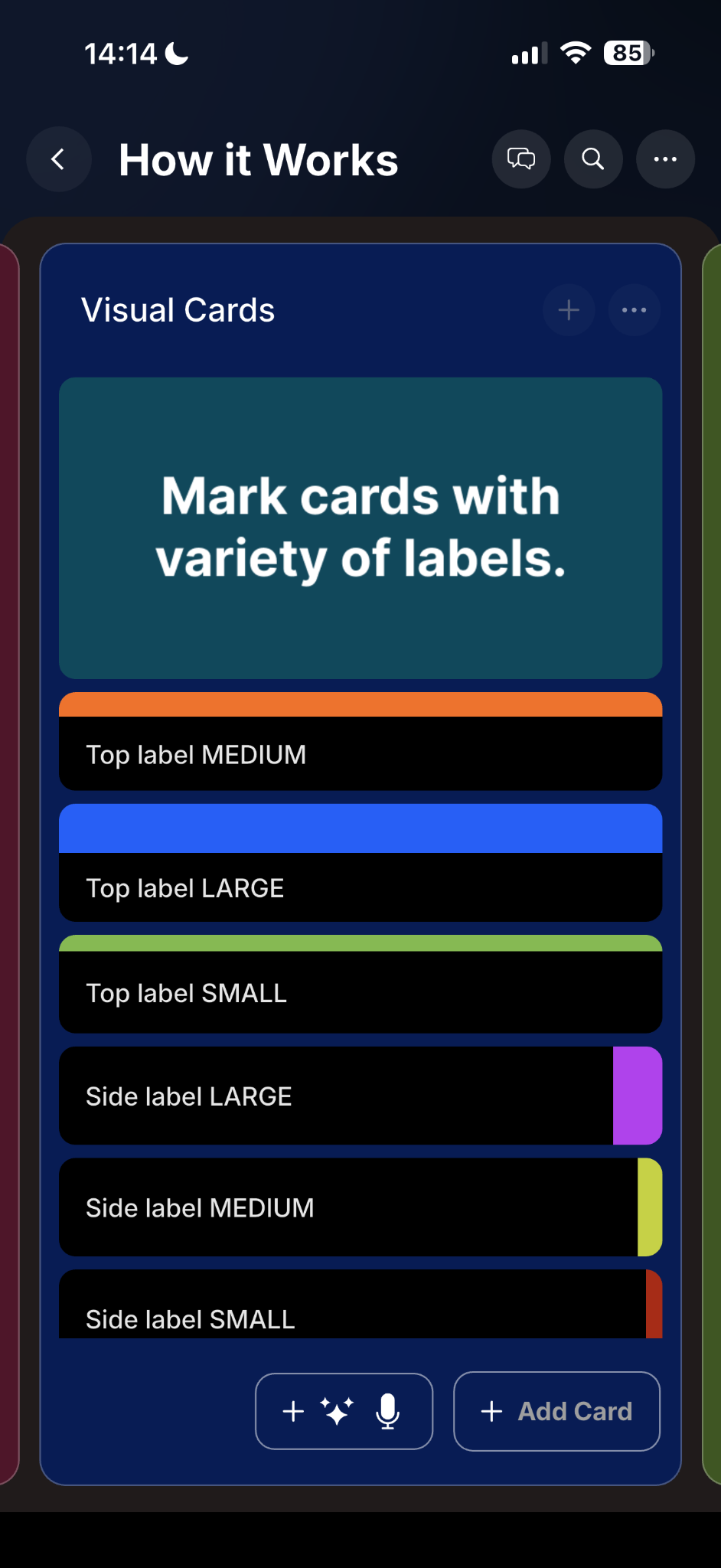
Use custom colors for boards, lists, cards, and labels so your workspace stays intuitive and visually organized.
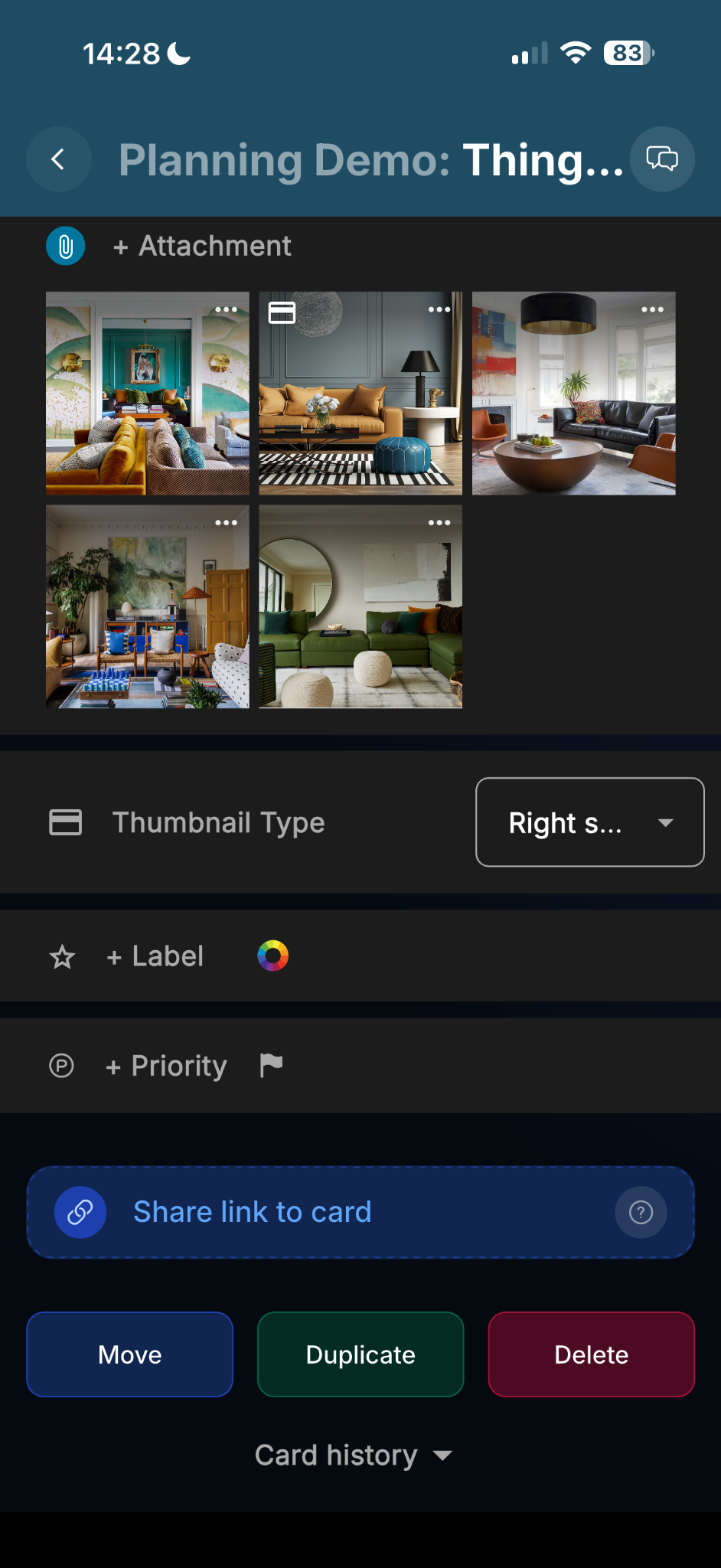
Send a card to anyone as a viewer link. They can open it on mobile or desktop, even if they do not use PlanBoards.
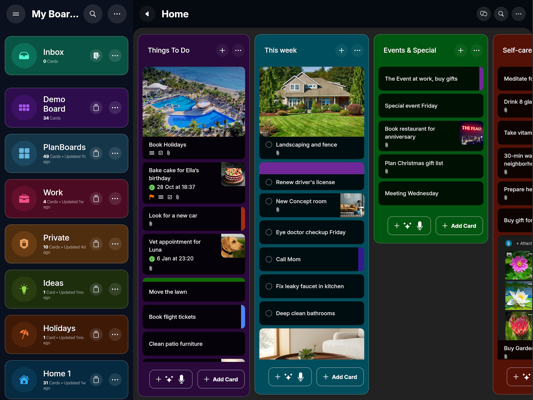
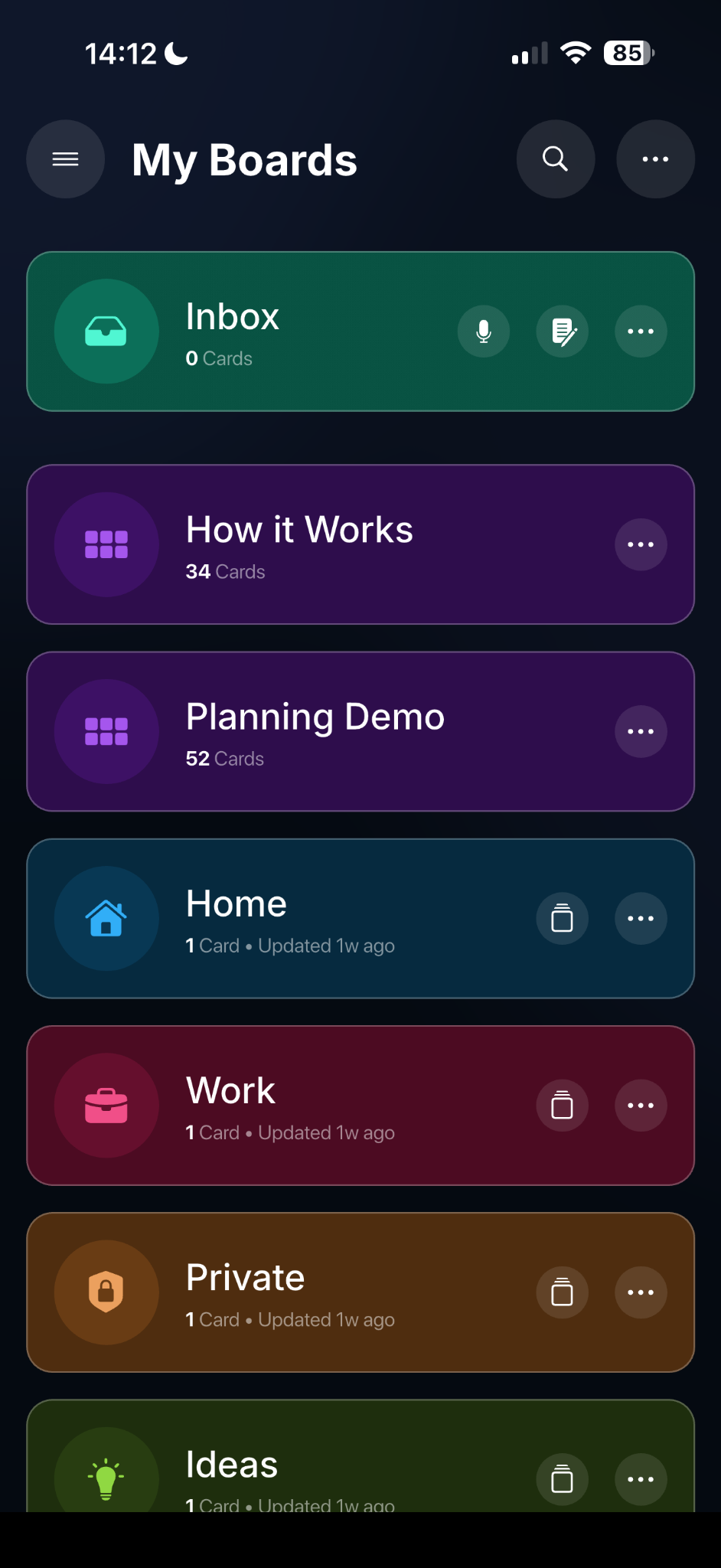
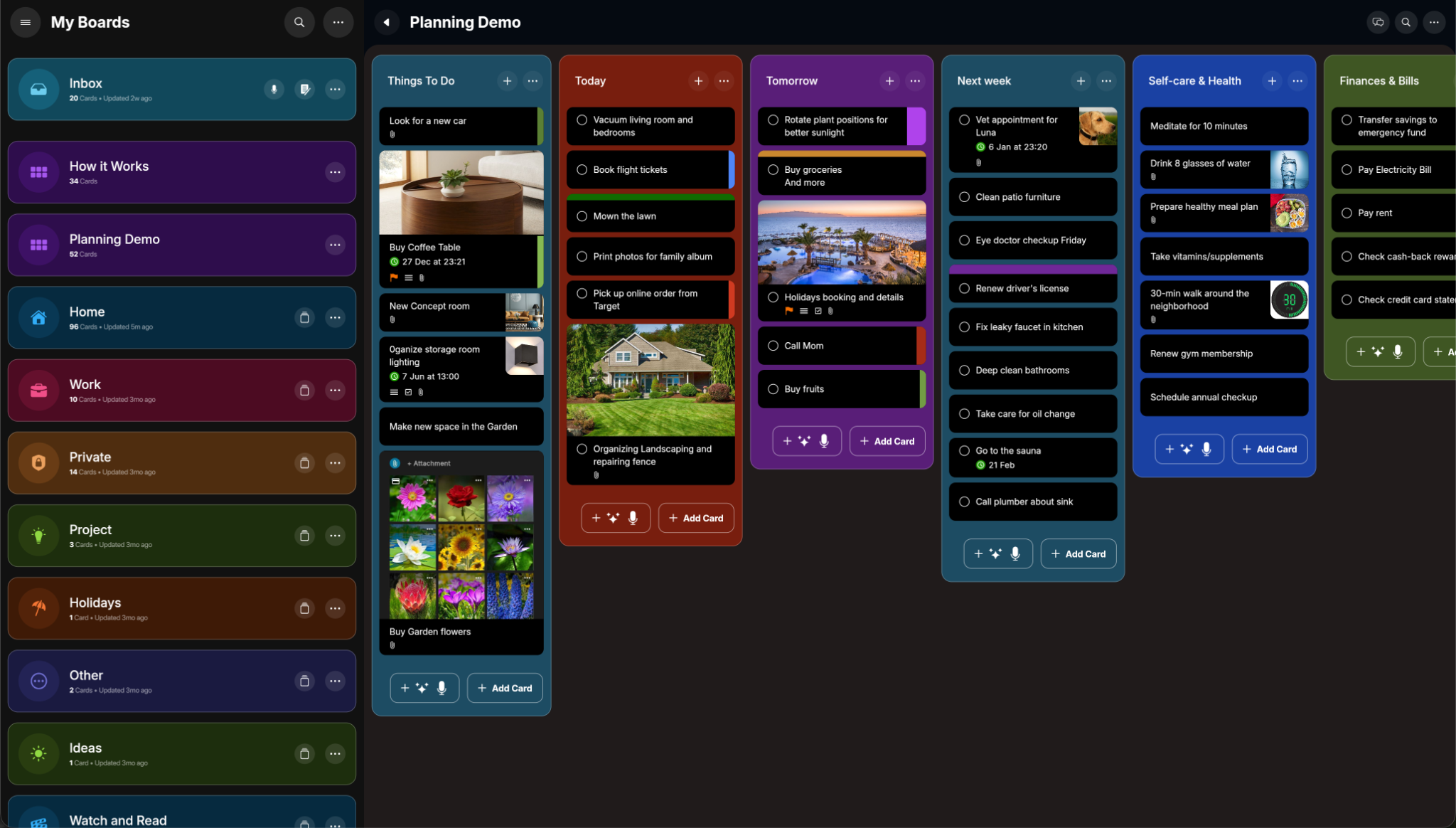
PlanBoards keeps your workspace synced across phone, tablet, and desktop so you can capture ideas quickly and continue deeper planning whenever you switch devices.
Use mobile for quick updates, tablet for focused visual editing, and desktop for full board management with rich card details.
Use PlanBoards on your phone for quick capture and daily actions, then open the same boards on desktop for broader planning, rich notes, and deeper project work.
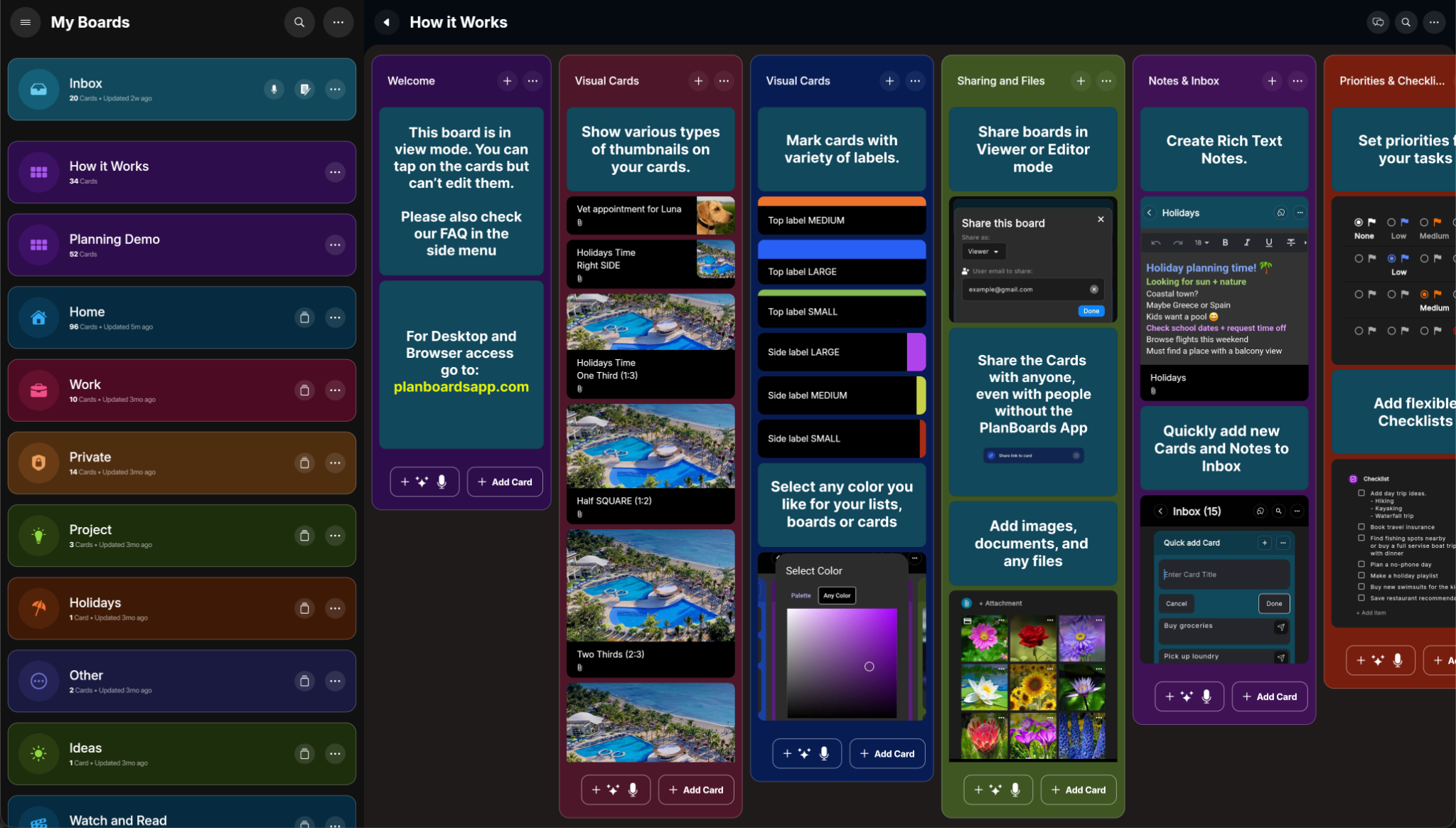
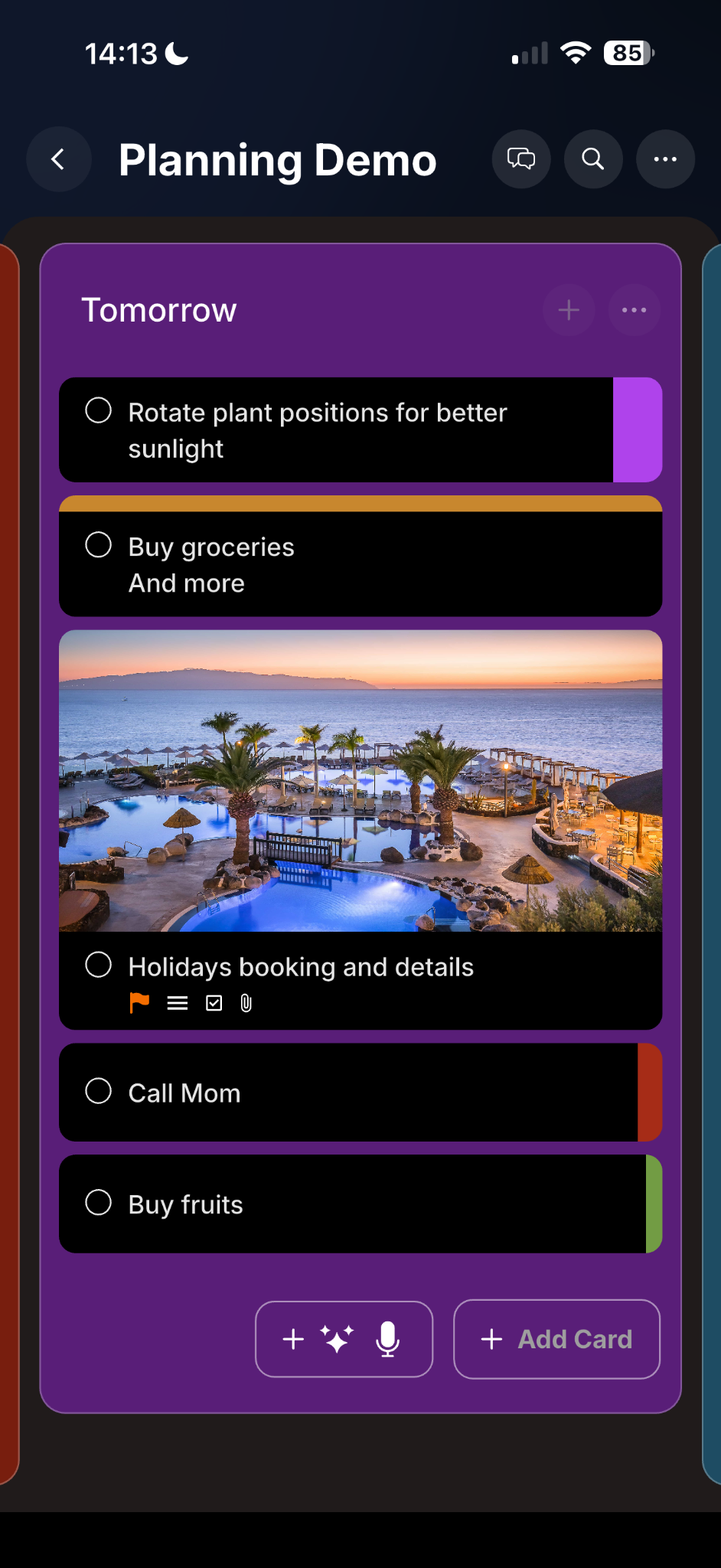
Create rich cards with formatted notes, checklists with progress tracking, due dates, priority levels, labels, and attachments with thumbnail previews.
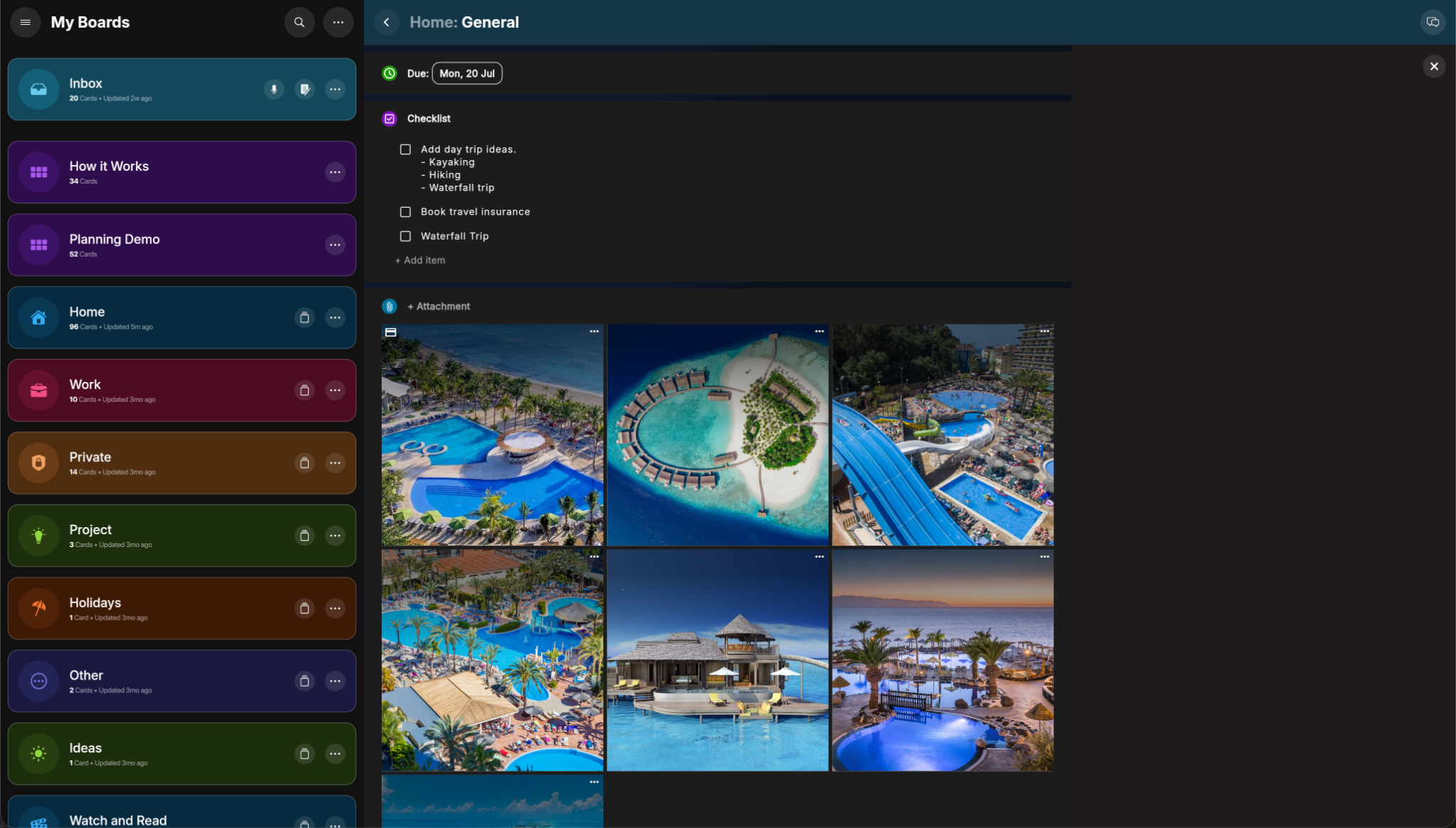
Boards, lists, and cards feel familiar - but PlanBoards makes them richer, more visual, and easier to share.