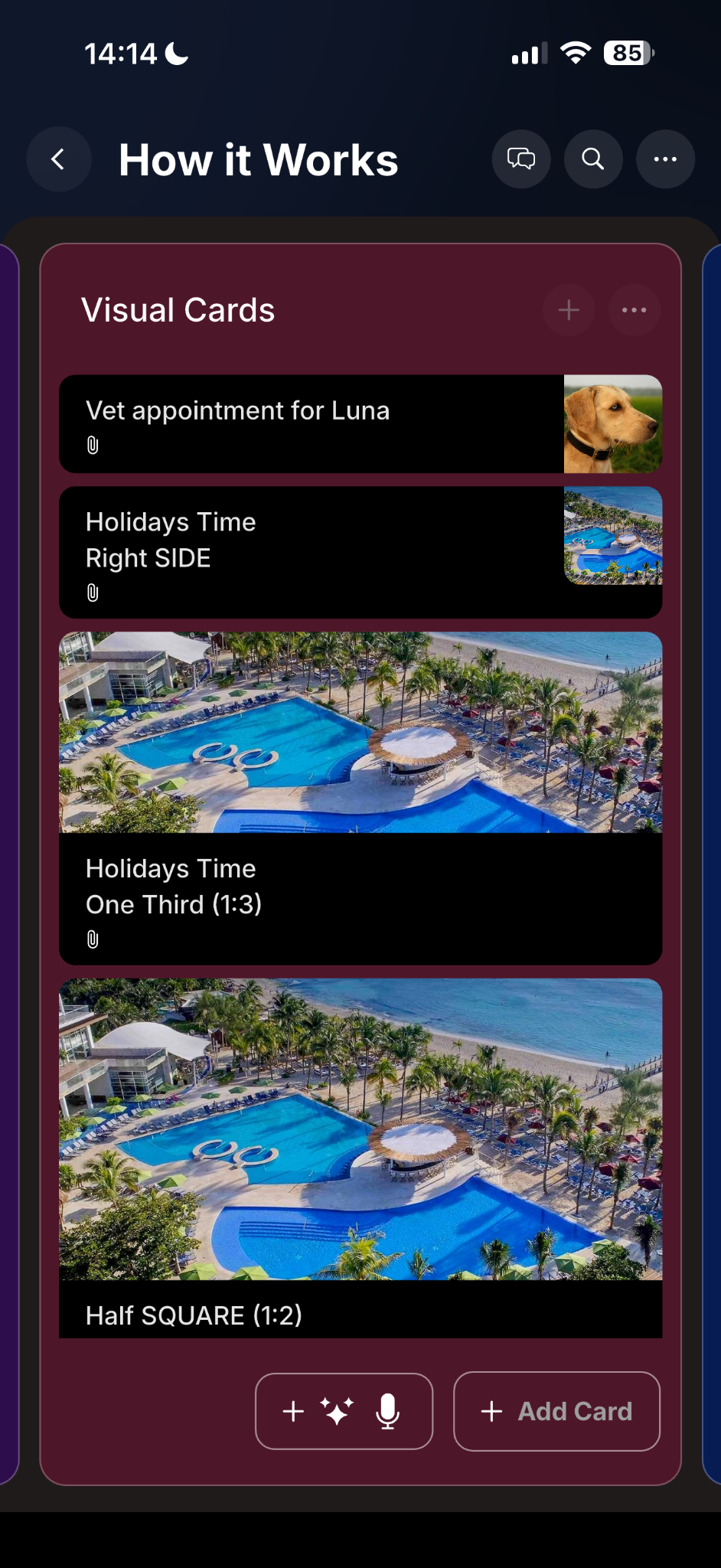
Visual cards & attachments
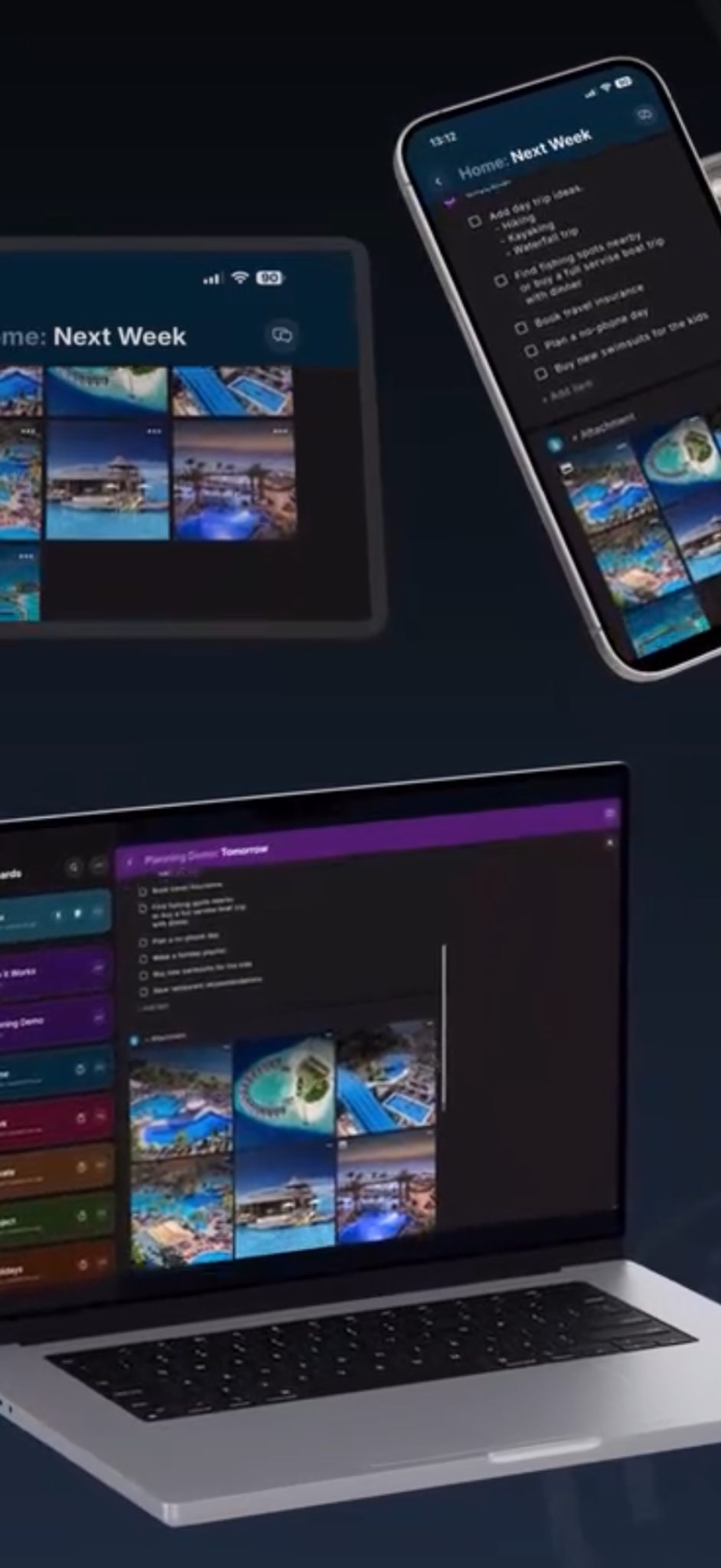
Attach images and files with thumbnail previews and multiple visual layouts.

PlanBoards combines kanban organization with notes, attachments, customization, and sharing.
Attach images and files with thumbnail previews and multiple visual layouts.
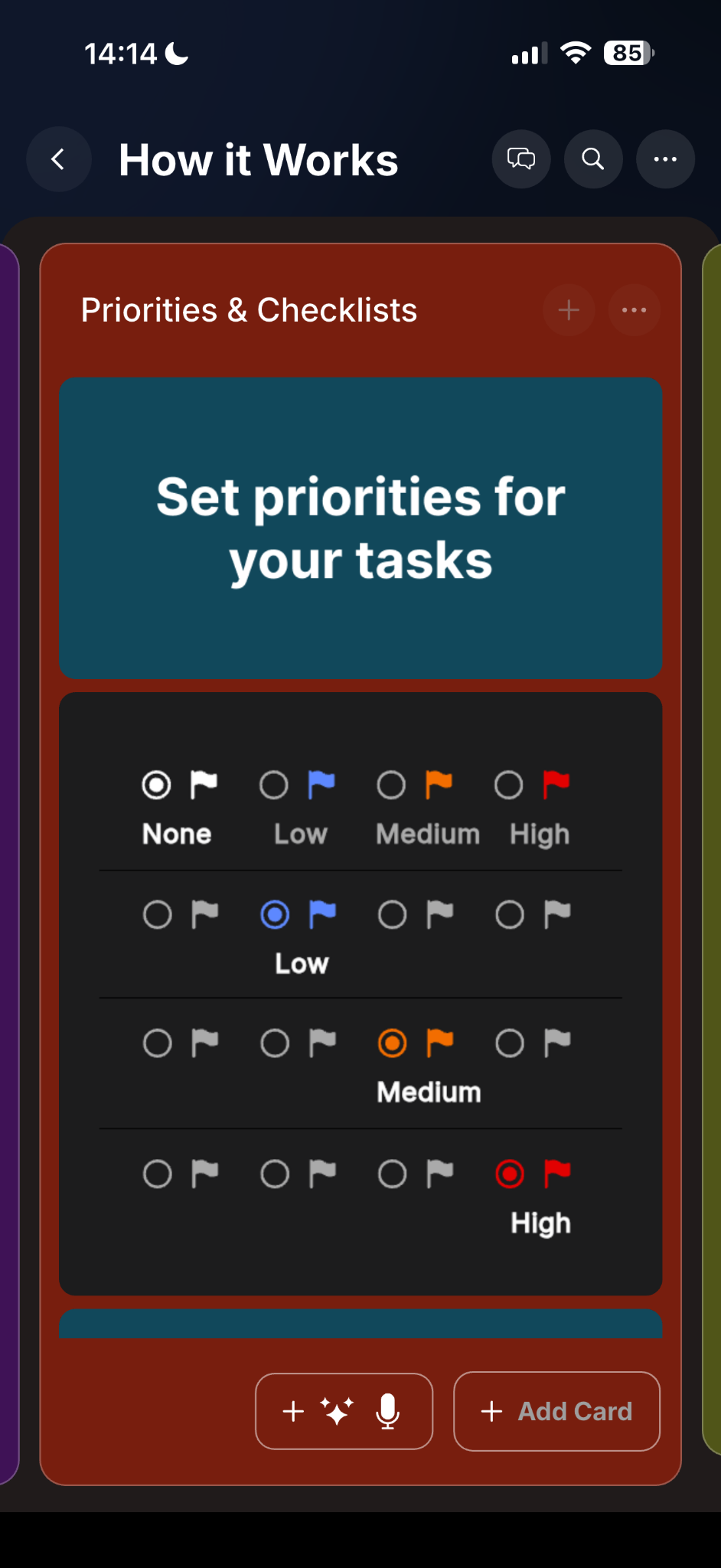
Track urgency, break work into steps, and keep progress visible.
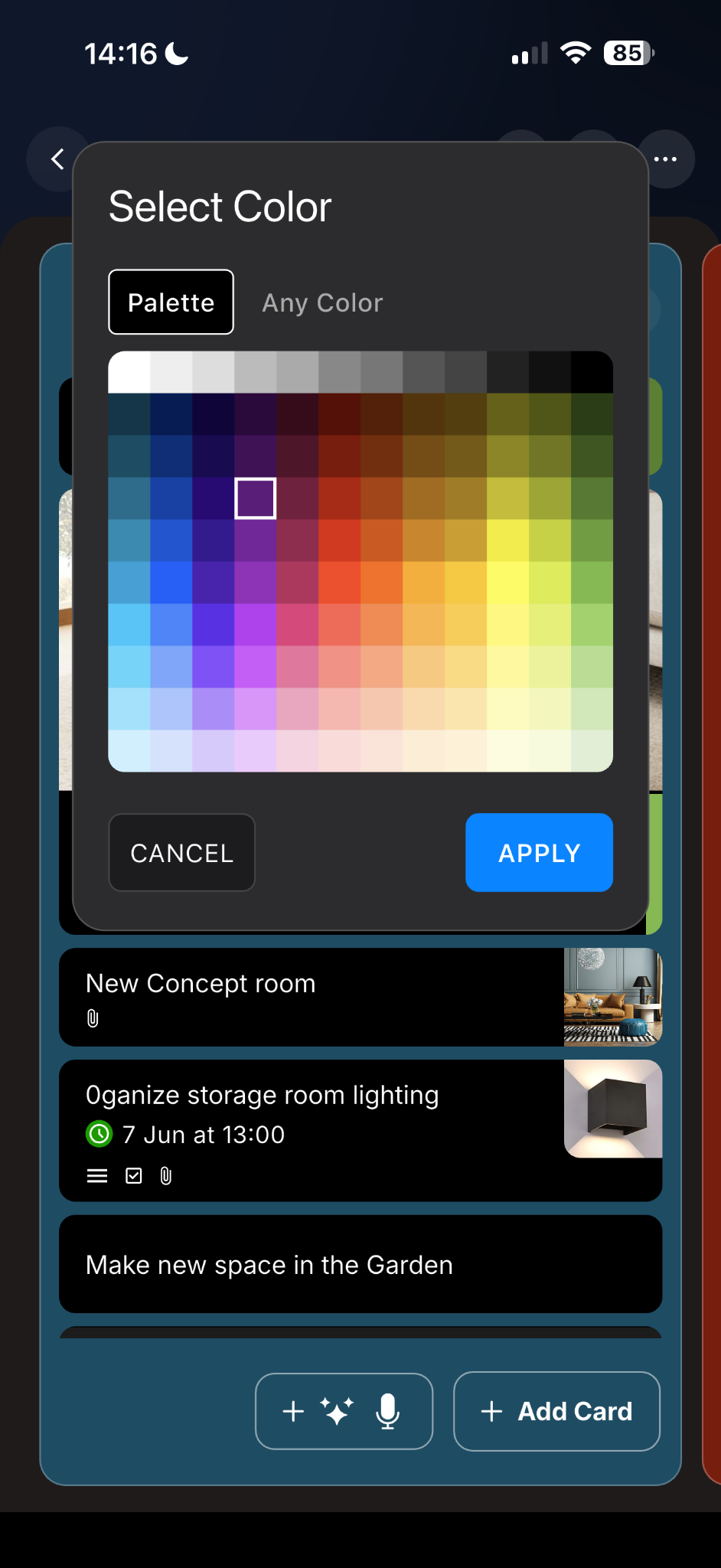
Choose colors, backgrounds, and themes for a workspace that feels clear and personal.
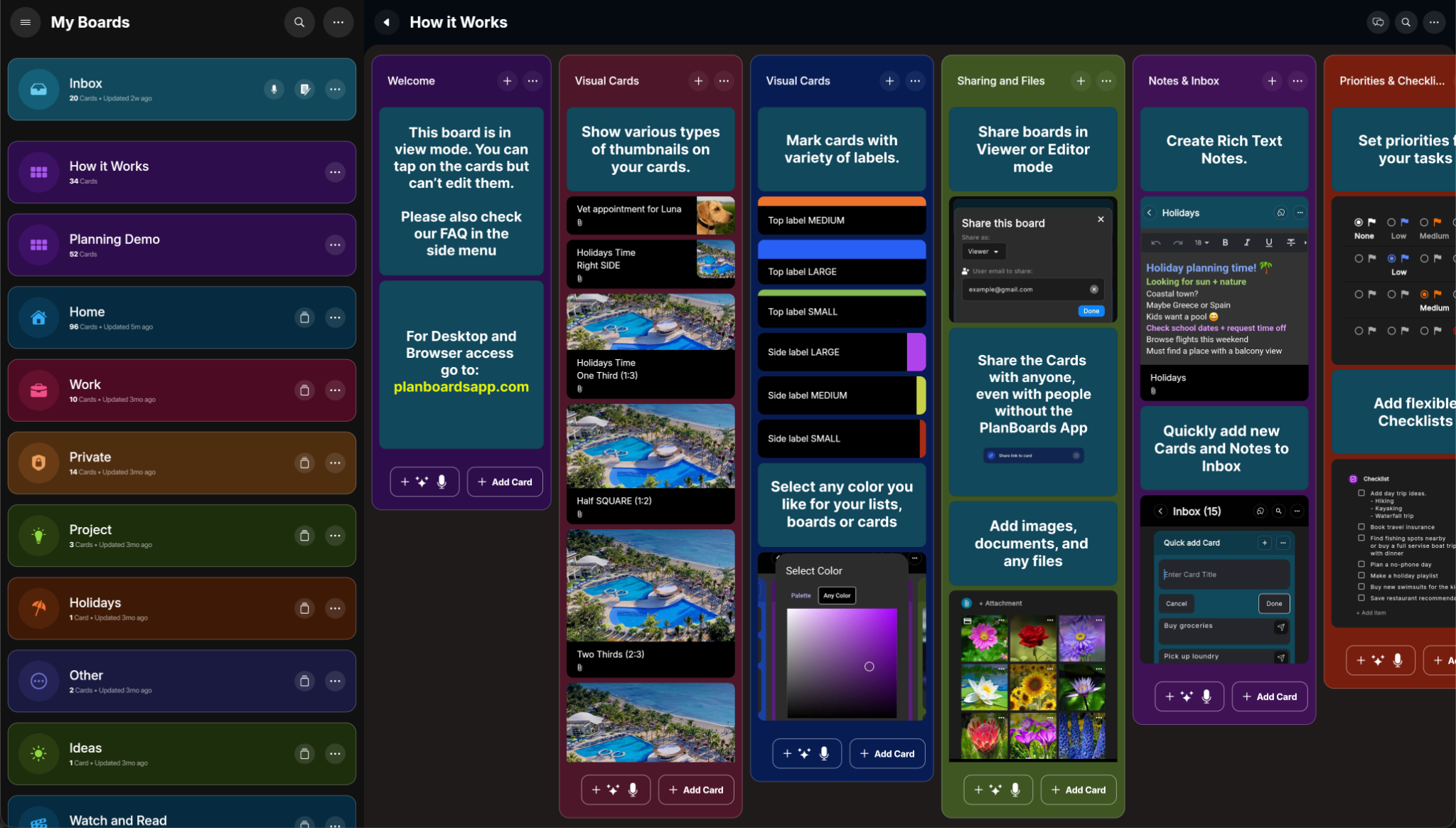
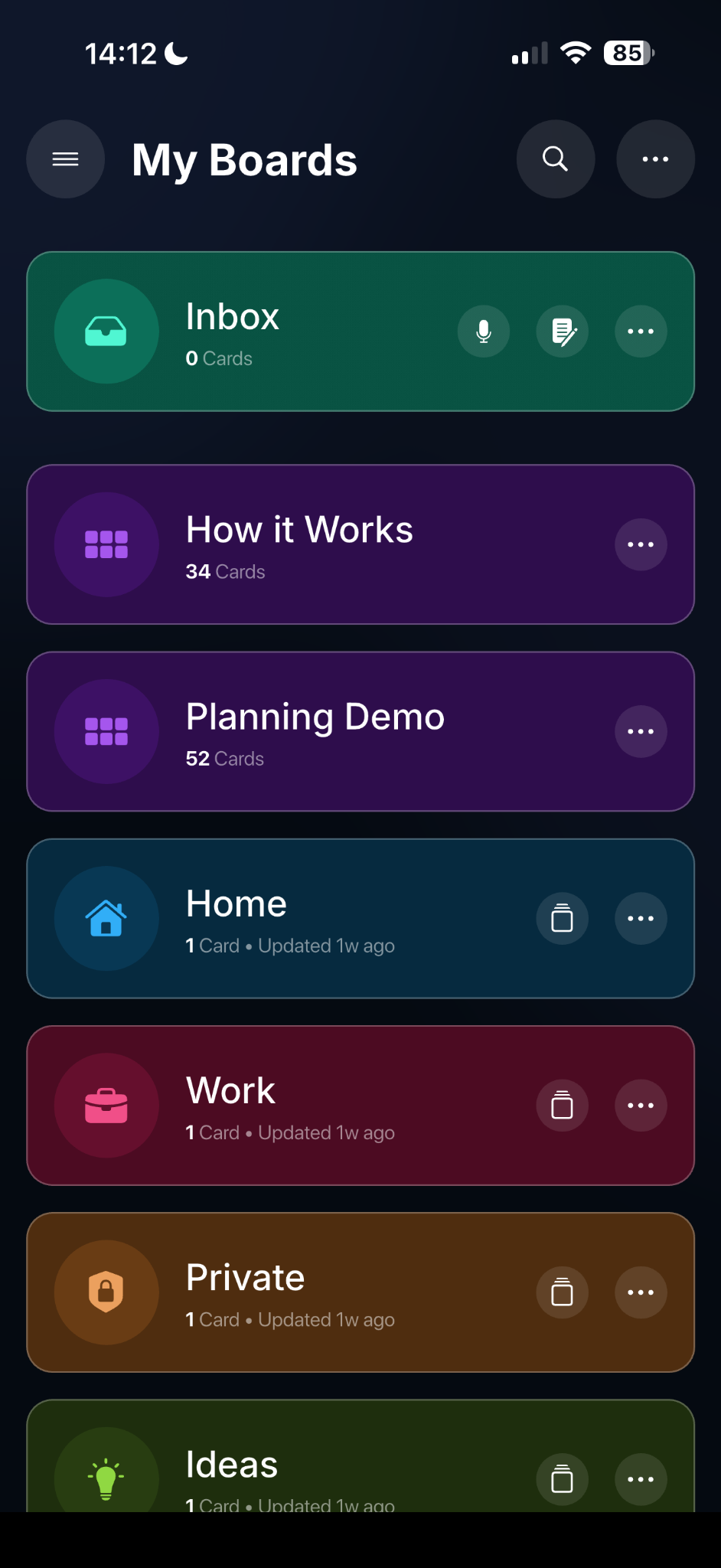
Create separate spaces for work, home, projects, ideas, and more.
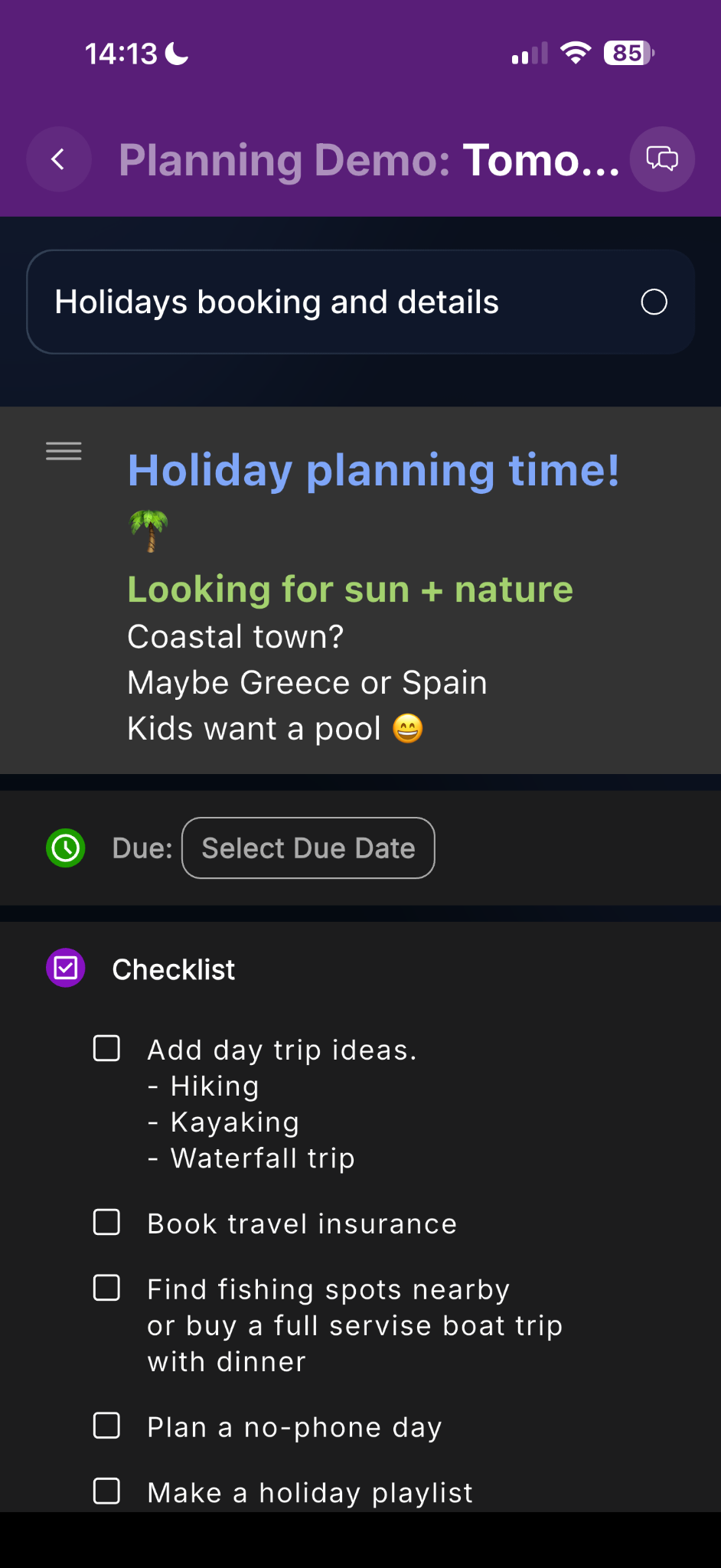
Keep detailed descriptions, formatted notes, and context together with tasks.
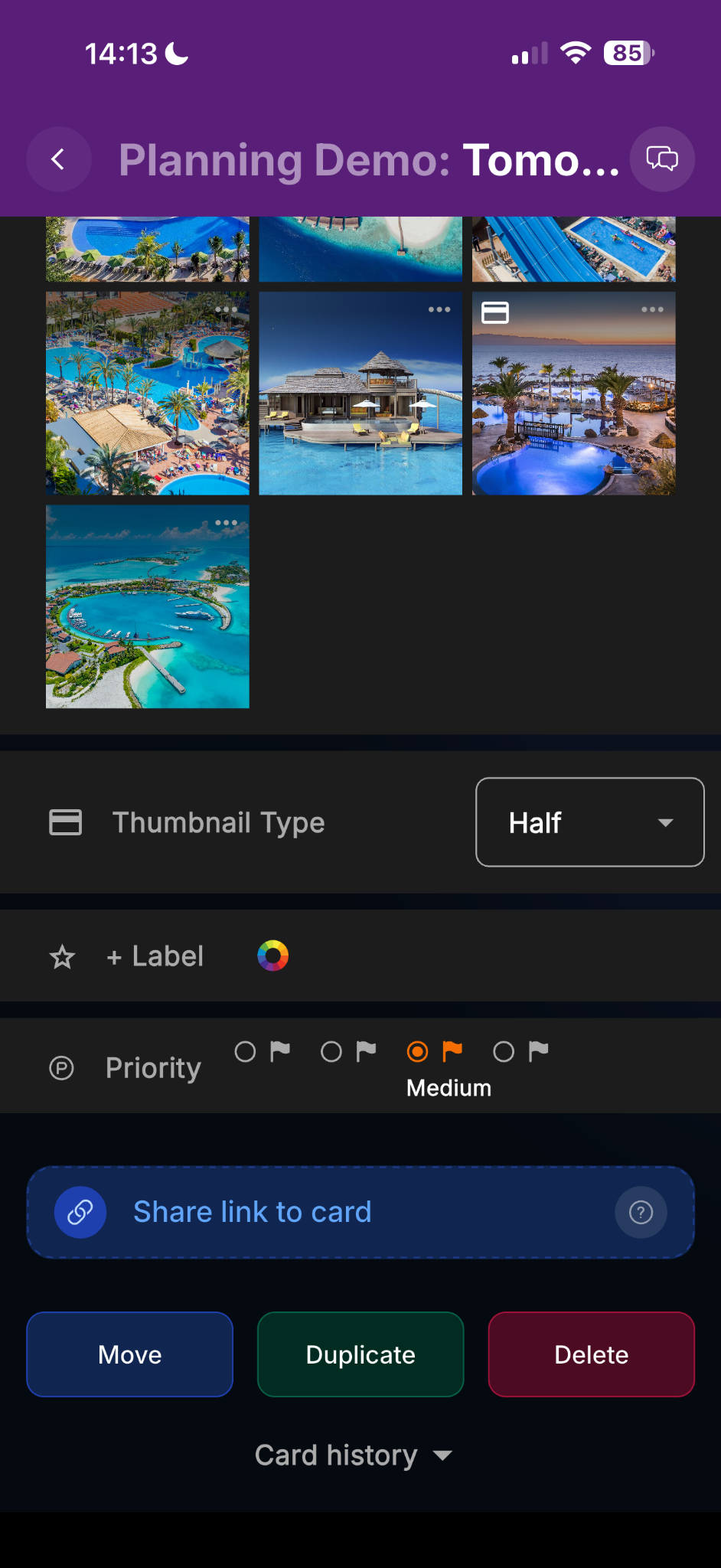
Add images and files, then browse them visually from inside the same card.
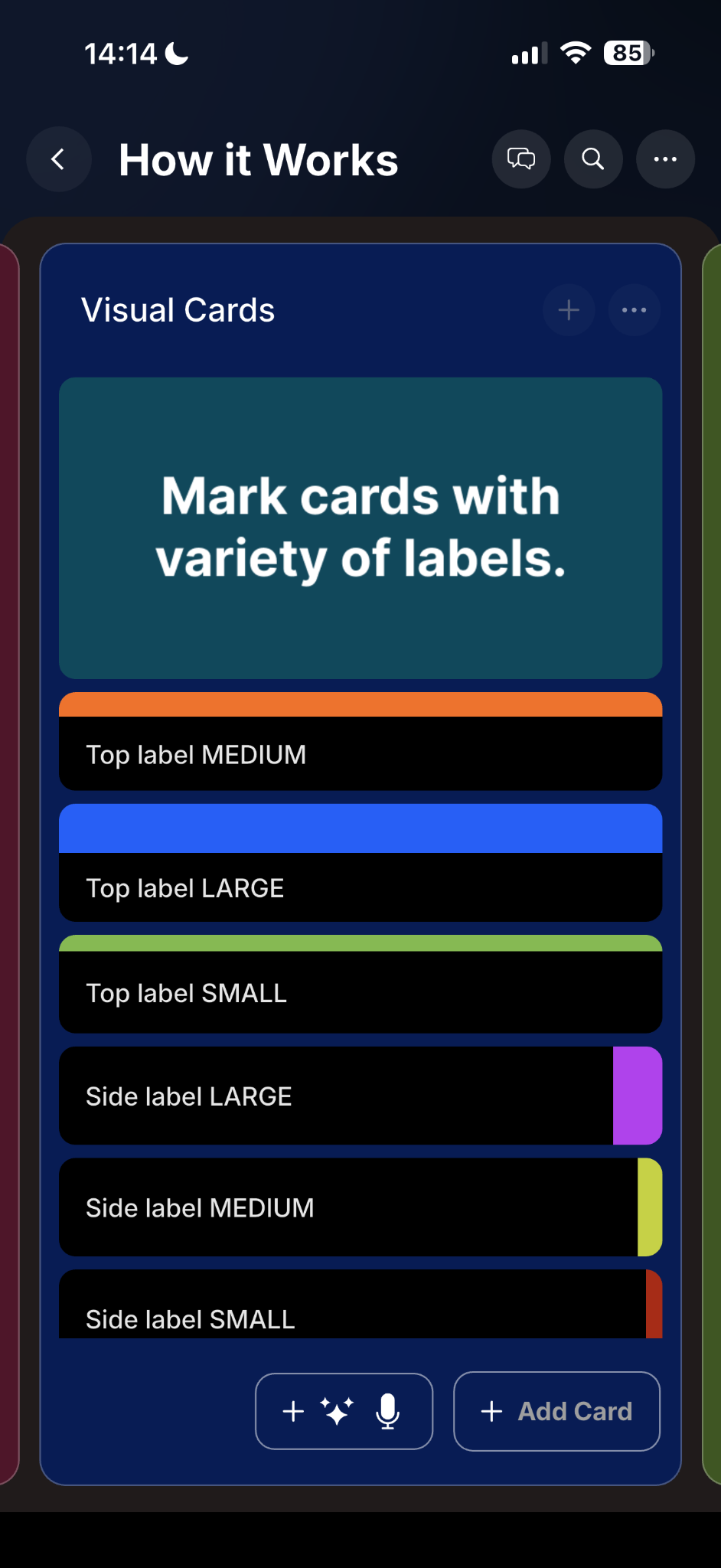
Mark cards with colorful visual labels for faster scanning and categorization.
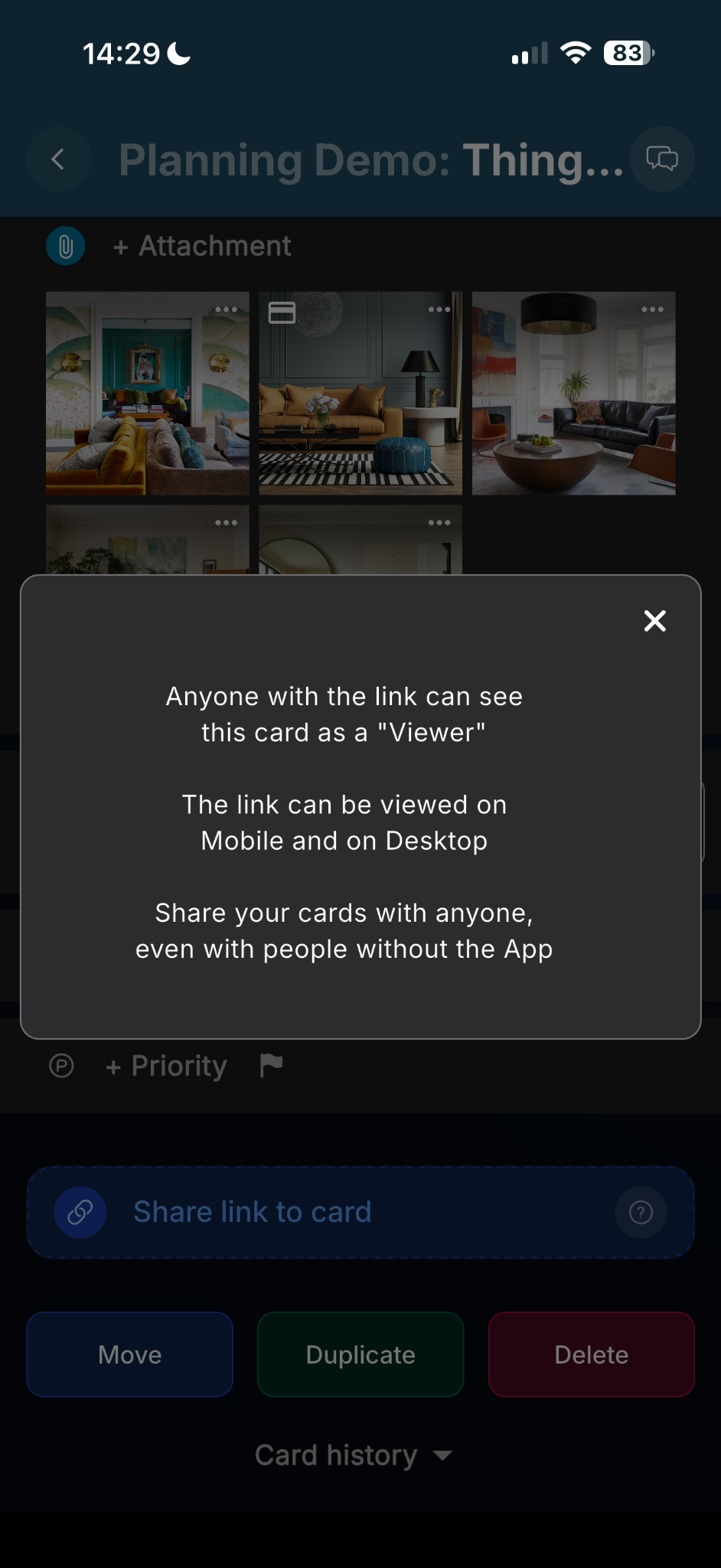
Share a card with anyone as a viewer link. No app required for the recipient.
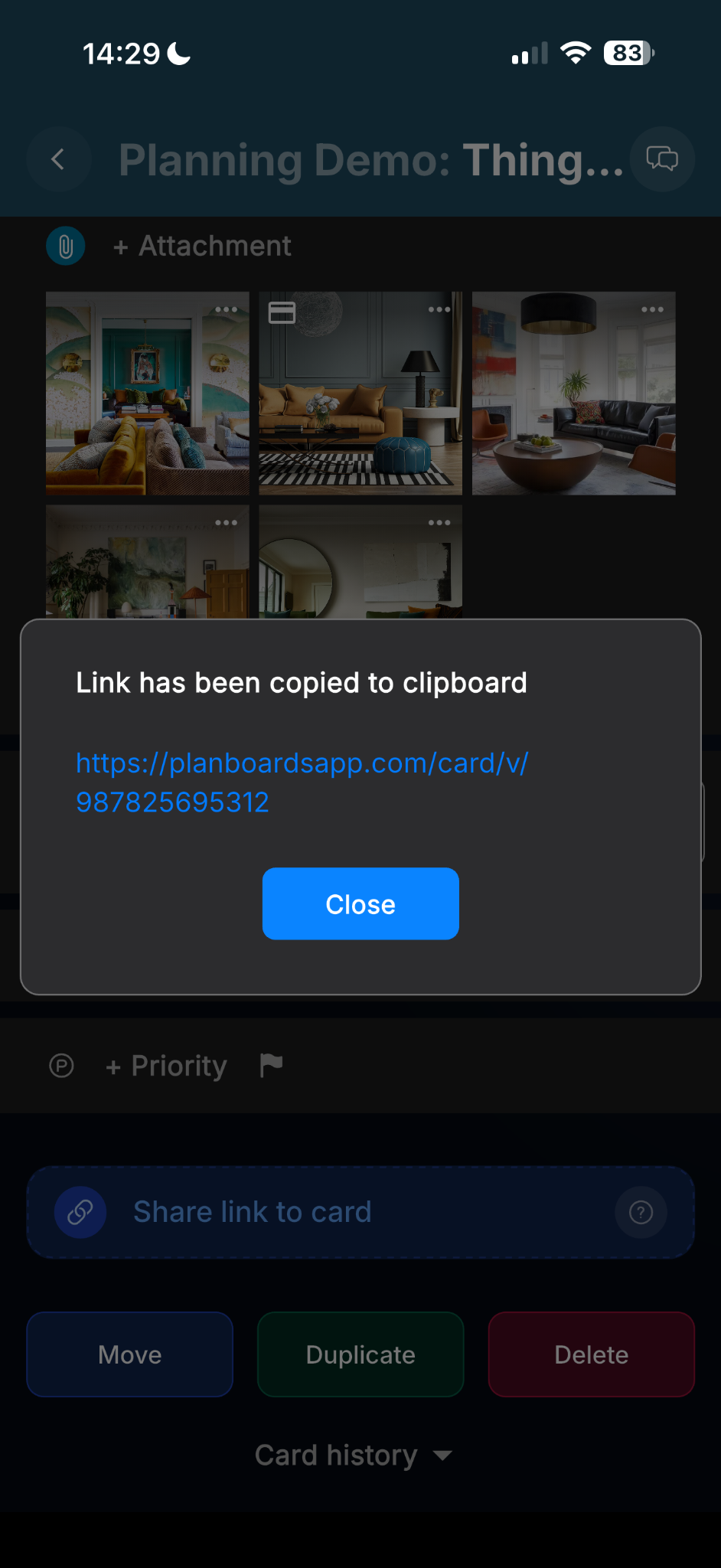
Create and copy a share link directly from the card actions area.
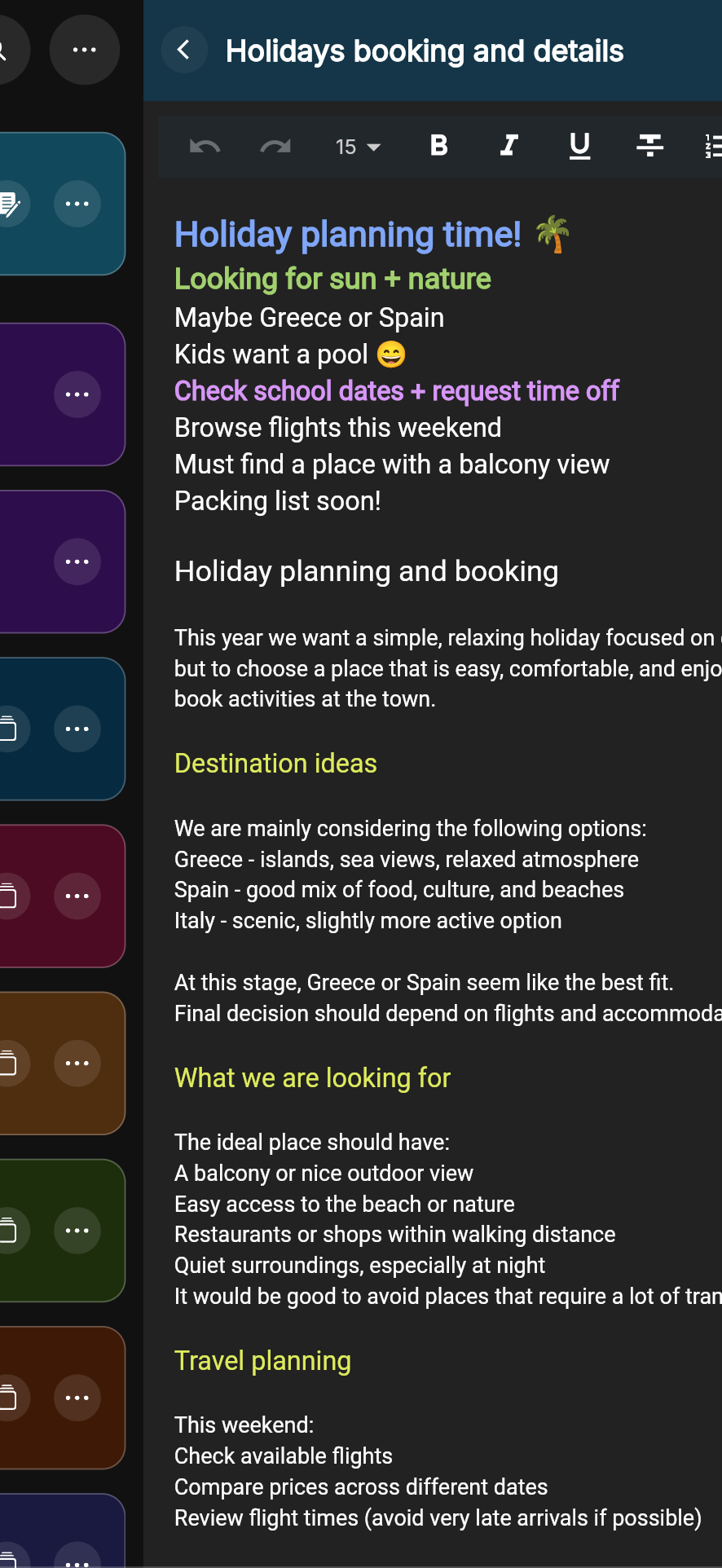
Use desktop view for deeper writing, research notes, and more detailed planning.
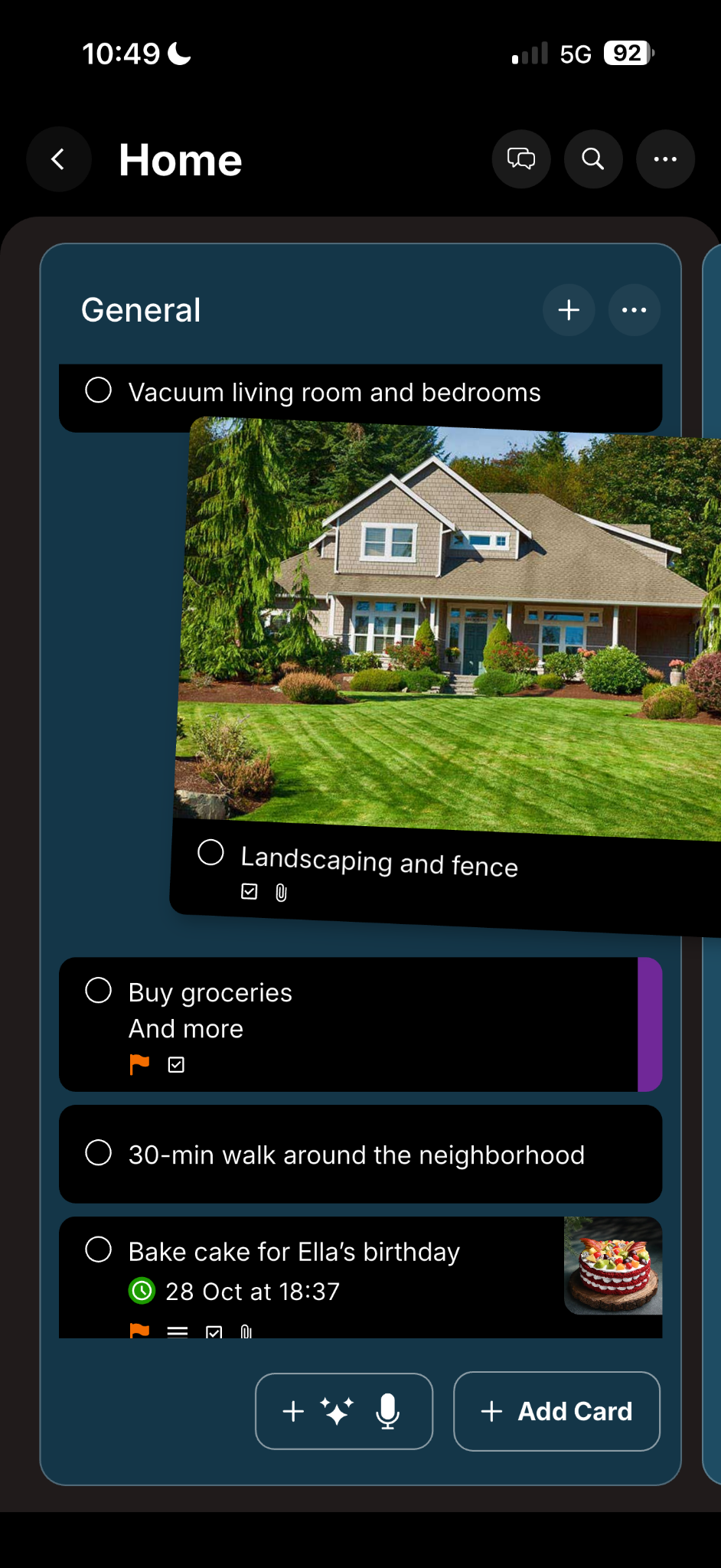
Move cards and lists naturally to adapt your workflow as plans change.
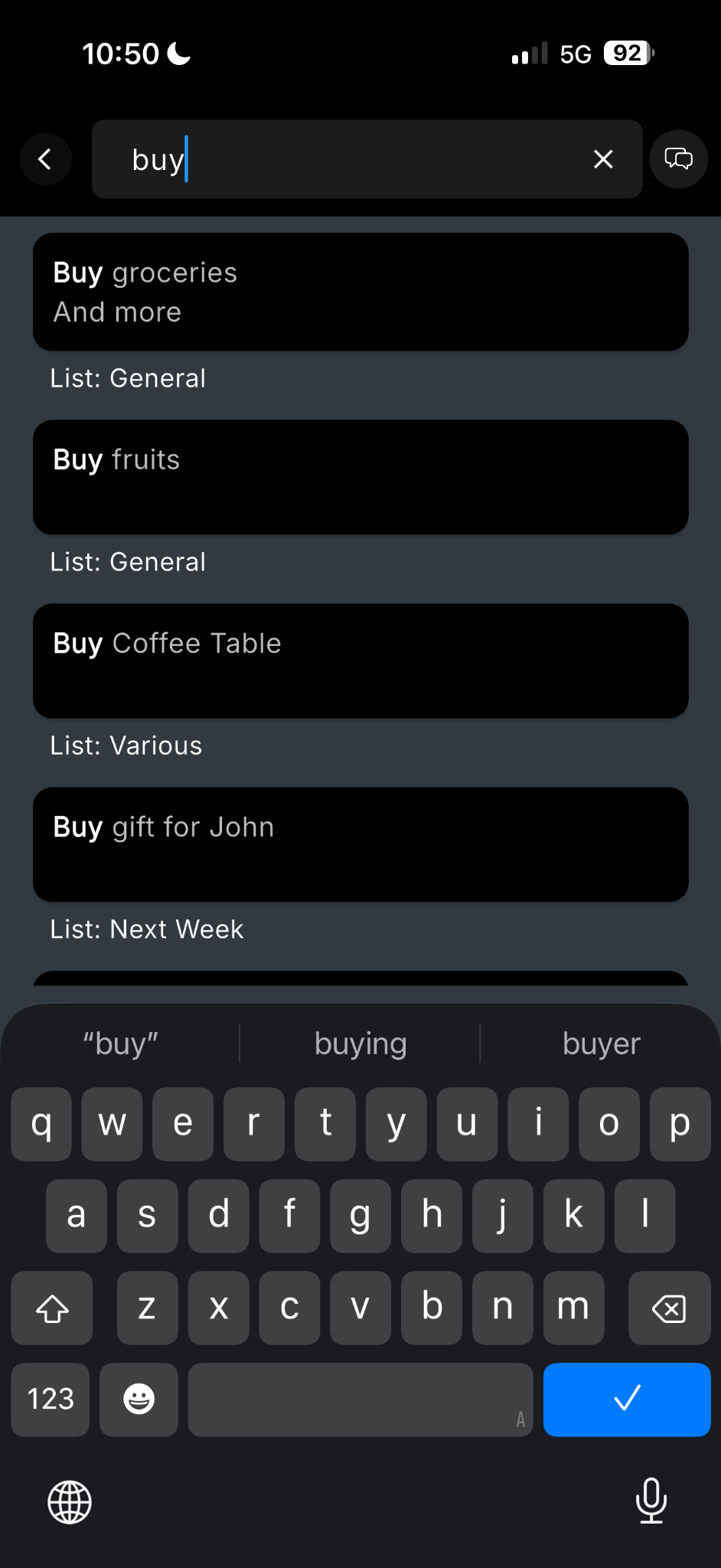
Search instantly across boards and cards to find tasks, notes, and references fast.
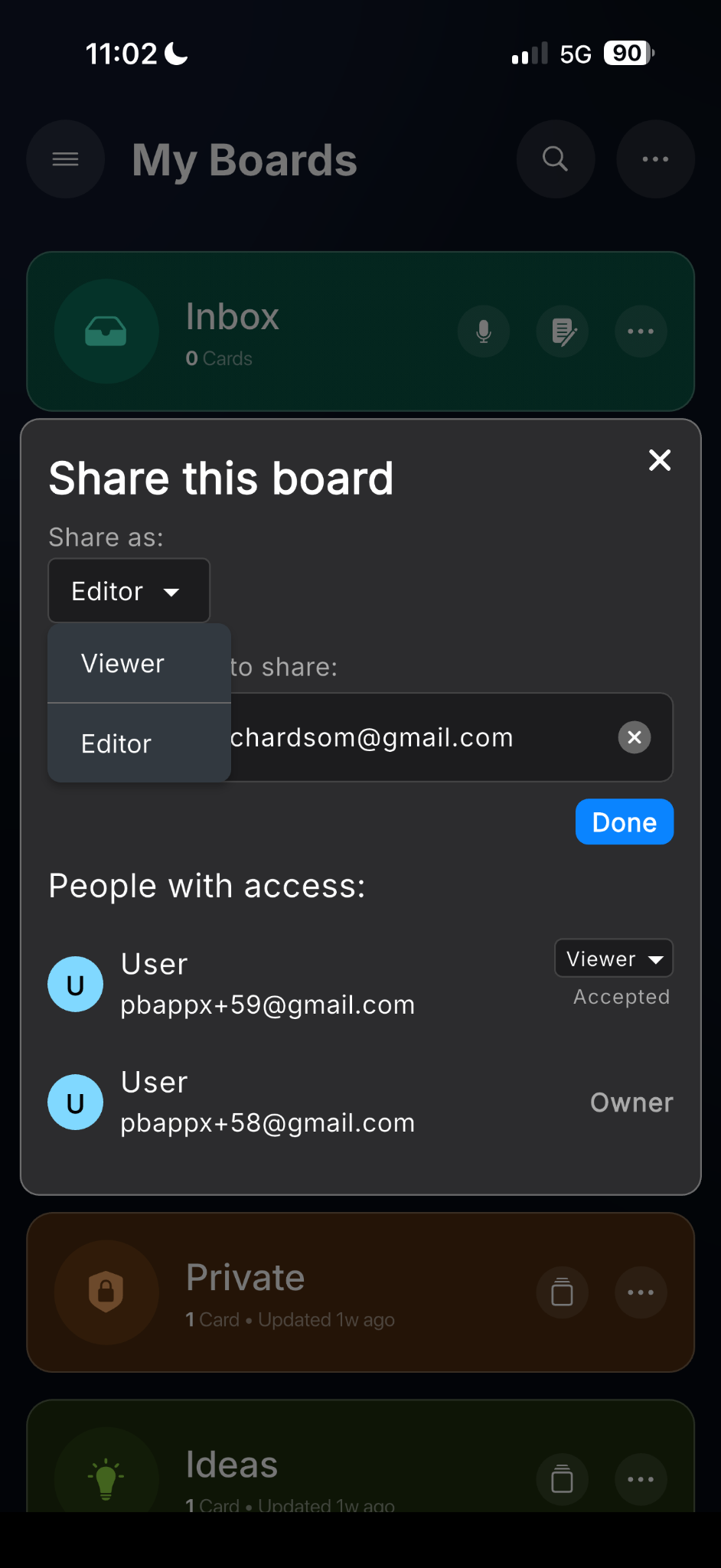
Invite others with viewer or editor access depending on how you want to collaborate.
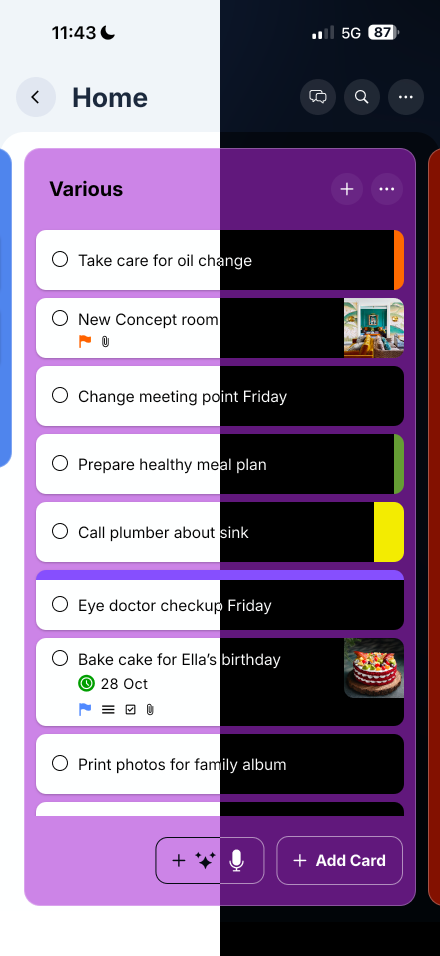
Choose the appearance that feels best for your environment and way of working.
Keep your workspace synced securely, with offline access available when needed.