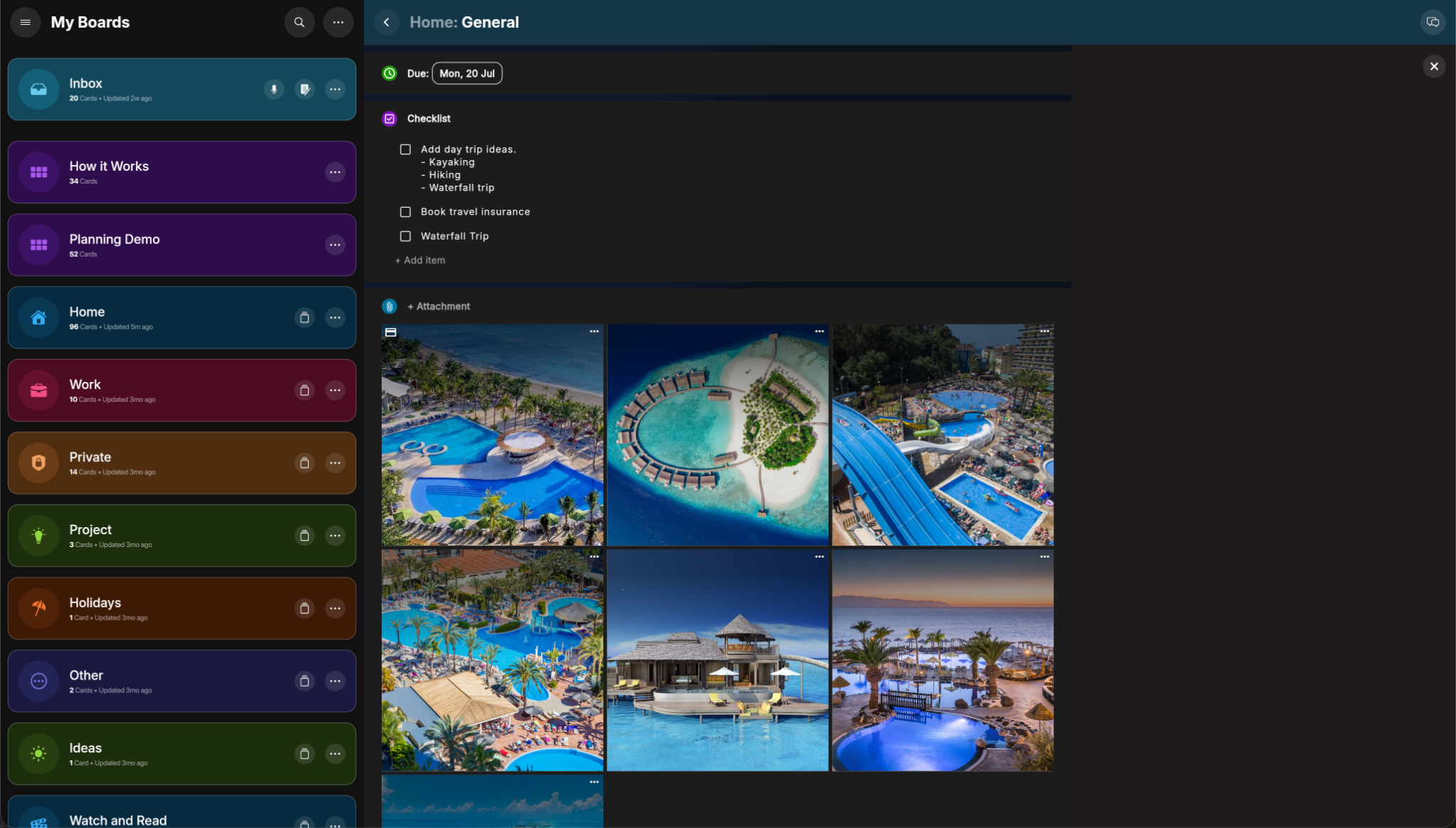
This is one of PlanBoards’ most unique features: create a public viewer link for a card and send it to anyone on mobile or desktop.
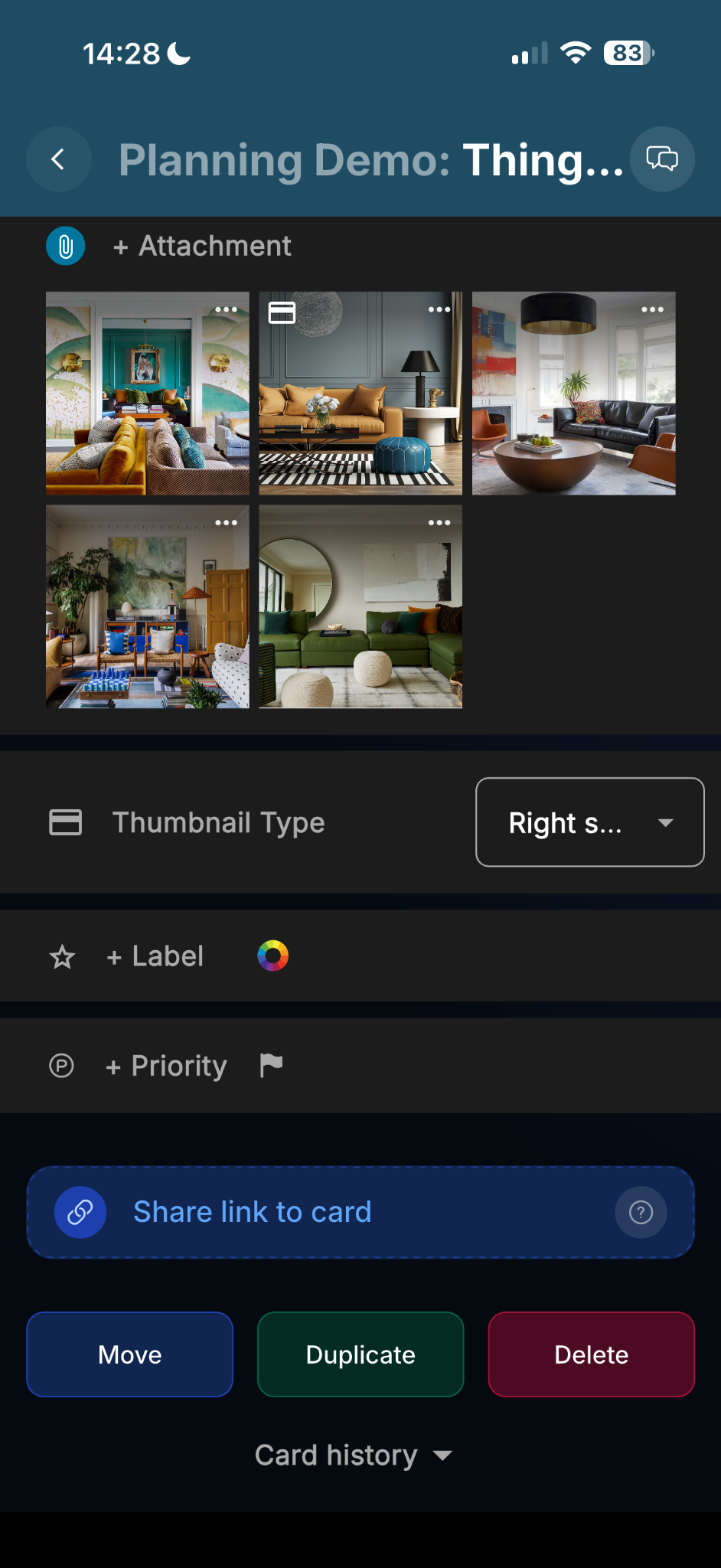
Create a shareable viewer link directly from a card.
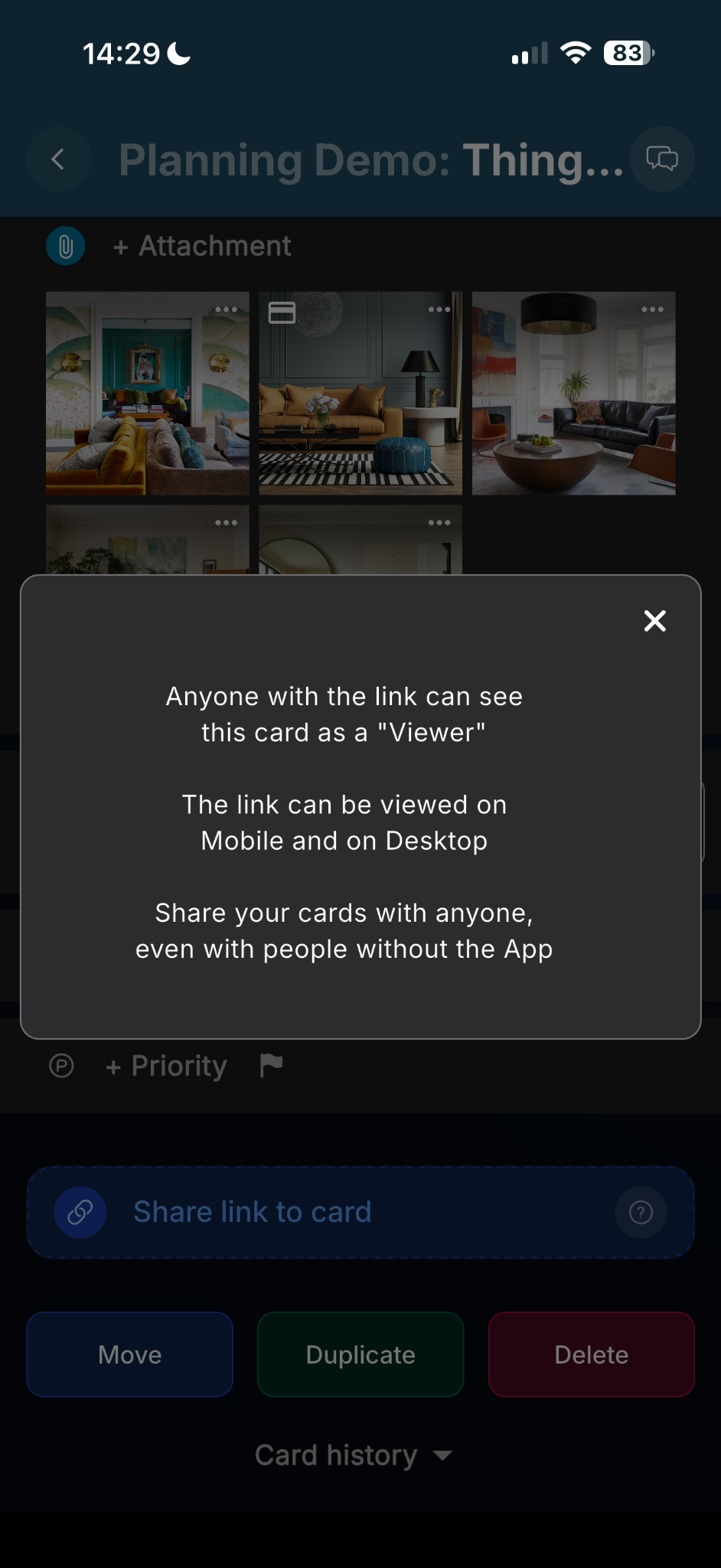
Recipients can open the link as viewers on both desktop and mobile.
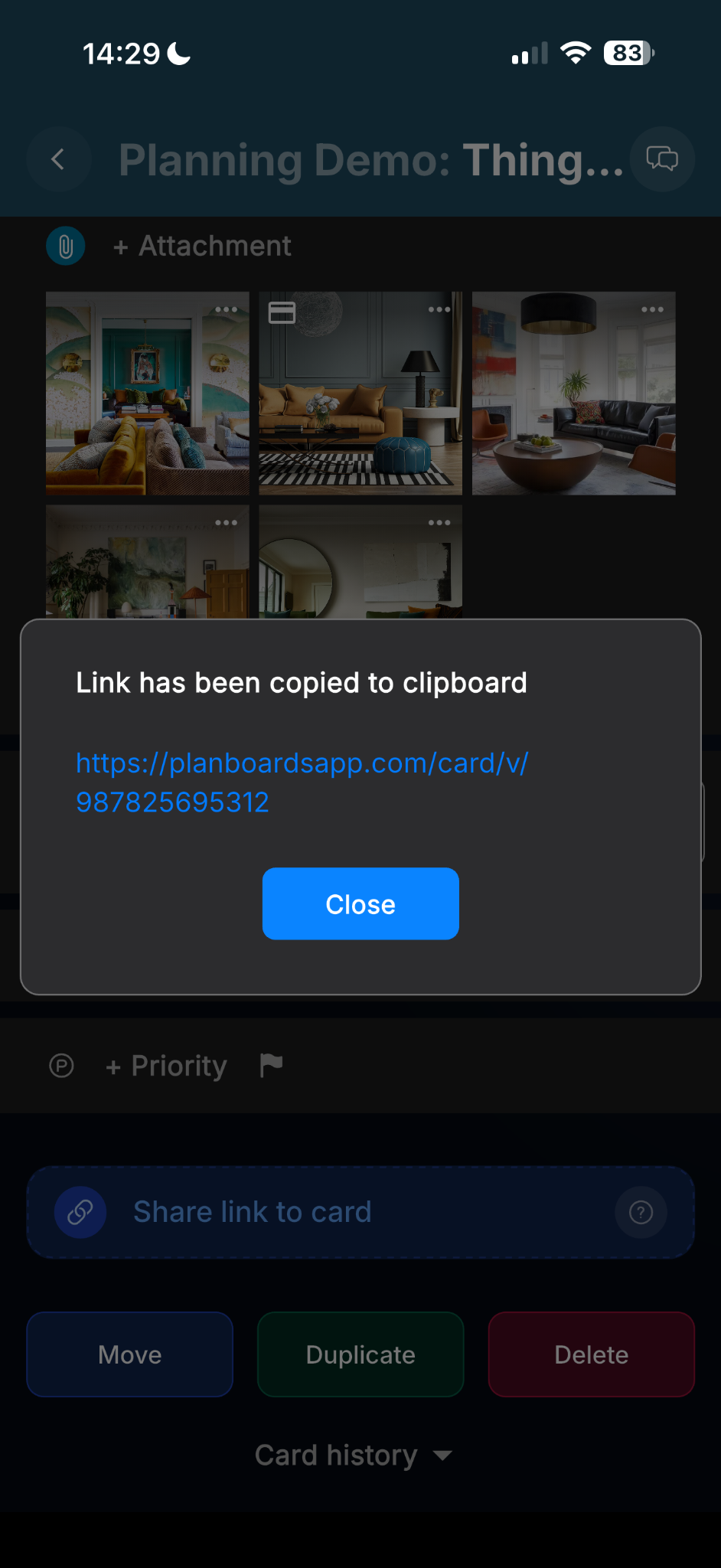
Copy the card link and share it in chat, email, or anywhere else.
Share booking details, trip plans, project references, approval tasks, or any other card that needs to be seen by someone outside your own PlanBoards workspace.