PlanBoards gives content creators a faster way to organize captions, scripts, briefs, assets, checklists, approvals, and publishing schedules across mobile and desktop.
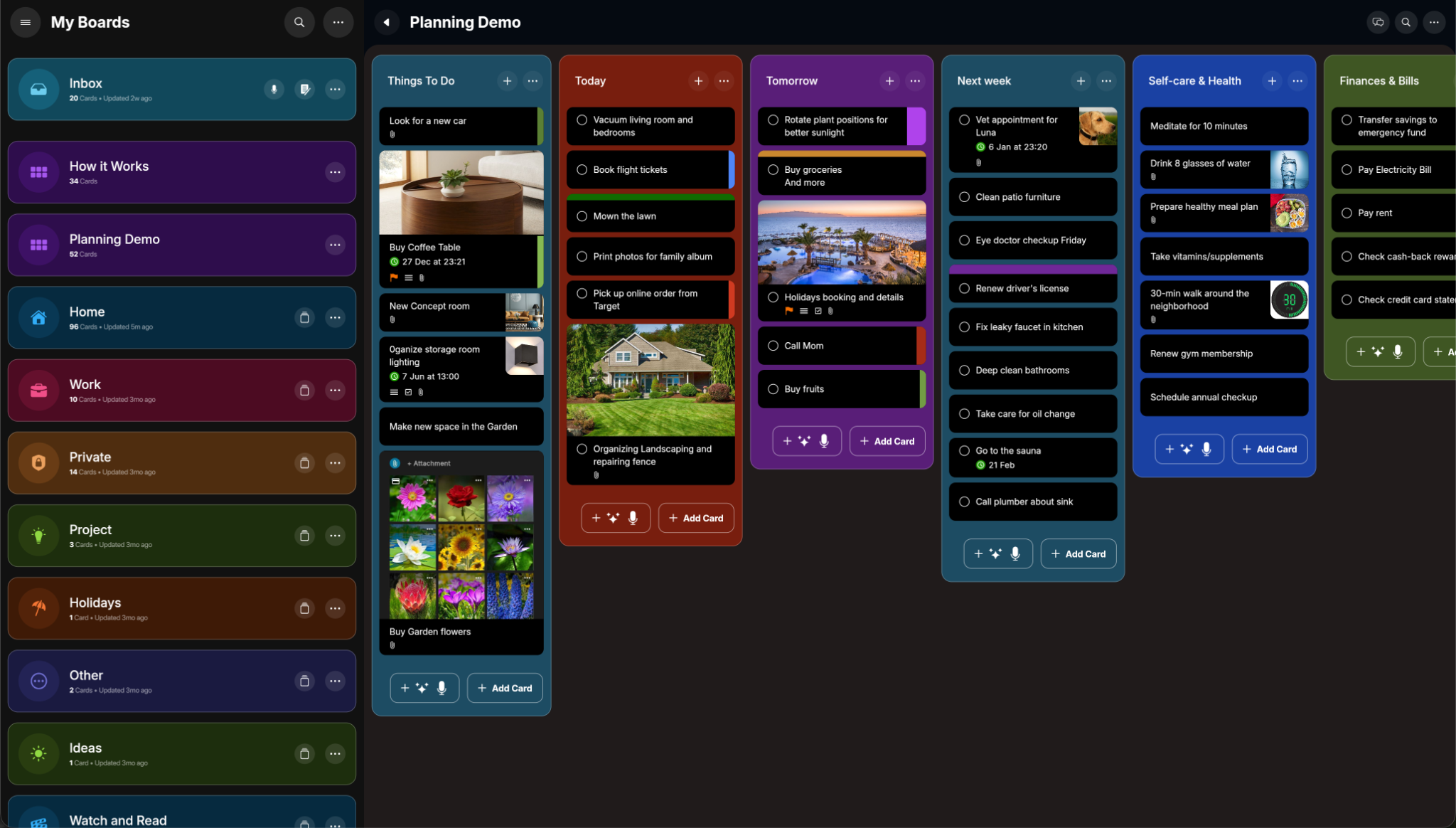
Create a clear content pipeline for posts, reels, videos, launches, client work, and recurring campaigns. Each card can hold the task, status, notes, checklist, due date, files, and all the details needed to get it published.
Content work needs more than a short task title. In PlanBoards, every card can become a mini workspace for captions, scripts, hooks, creative direction, client feedback, image references, and publishing notes.
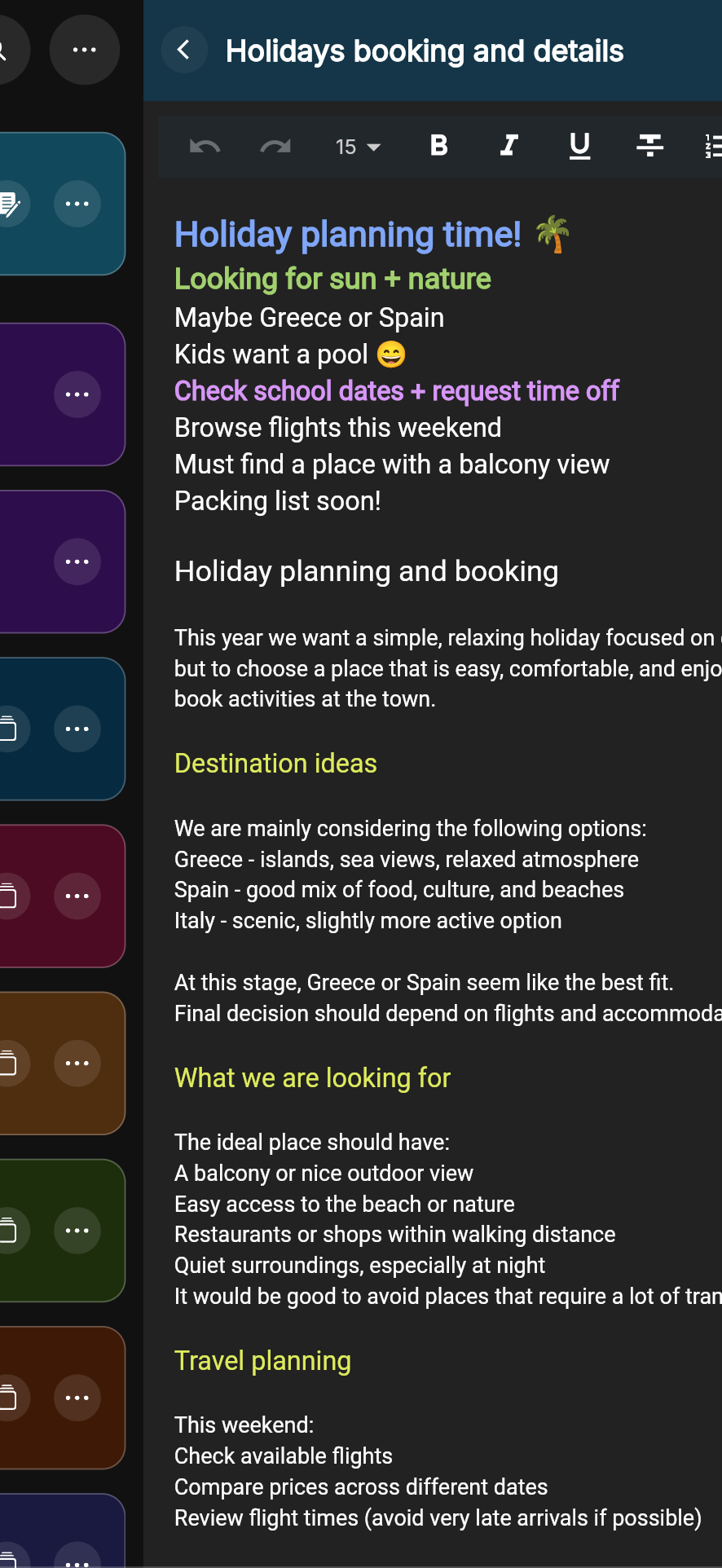
Watch how boards, cards, notes, images, files, labels, and checklists help you organize real work without spreadsheet chaos.
Muted autoplay starts when this section scrolls into view.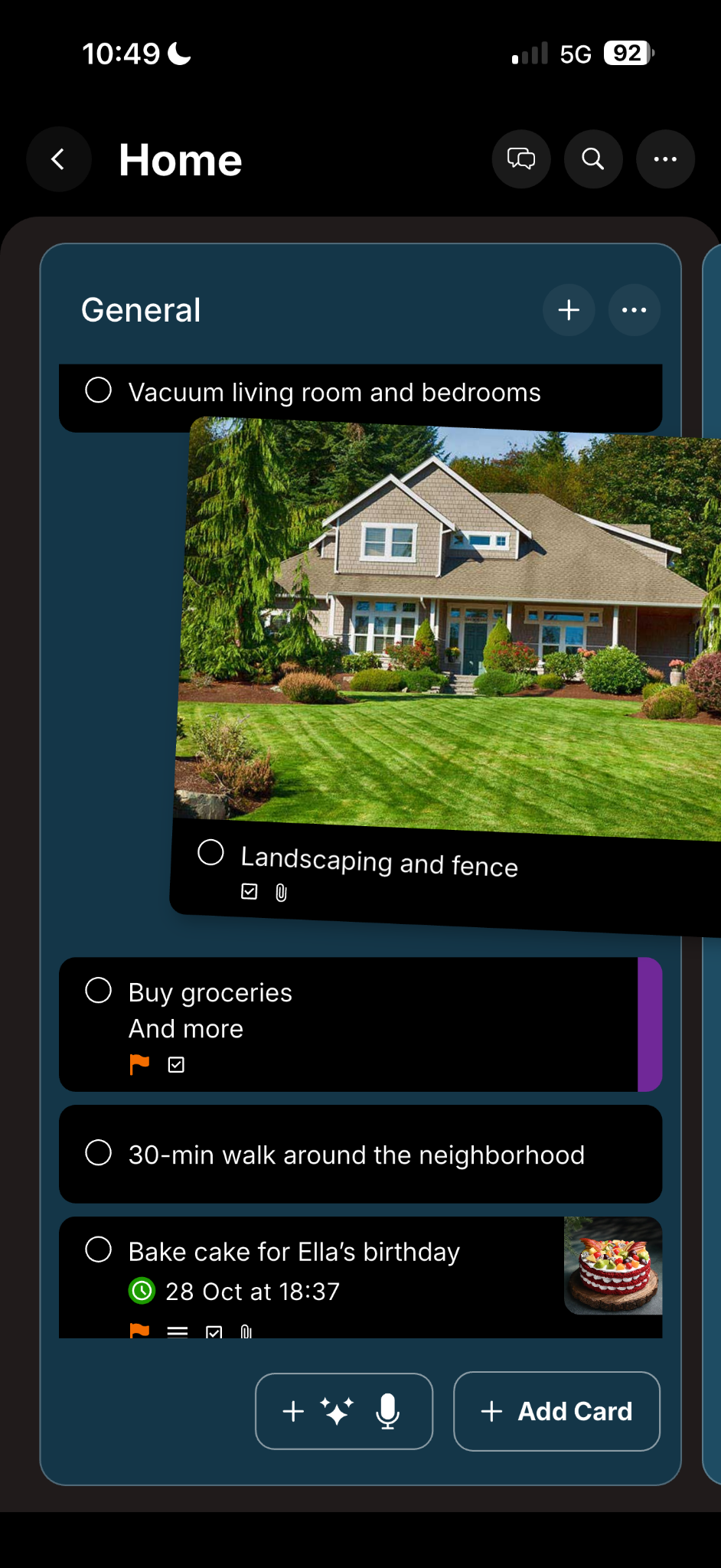
Build a board that matches your real publishing process. Start with a rough idea, add the brief and notes, move it into production, review it, schedule it, and finally mark it as published.
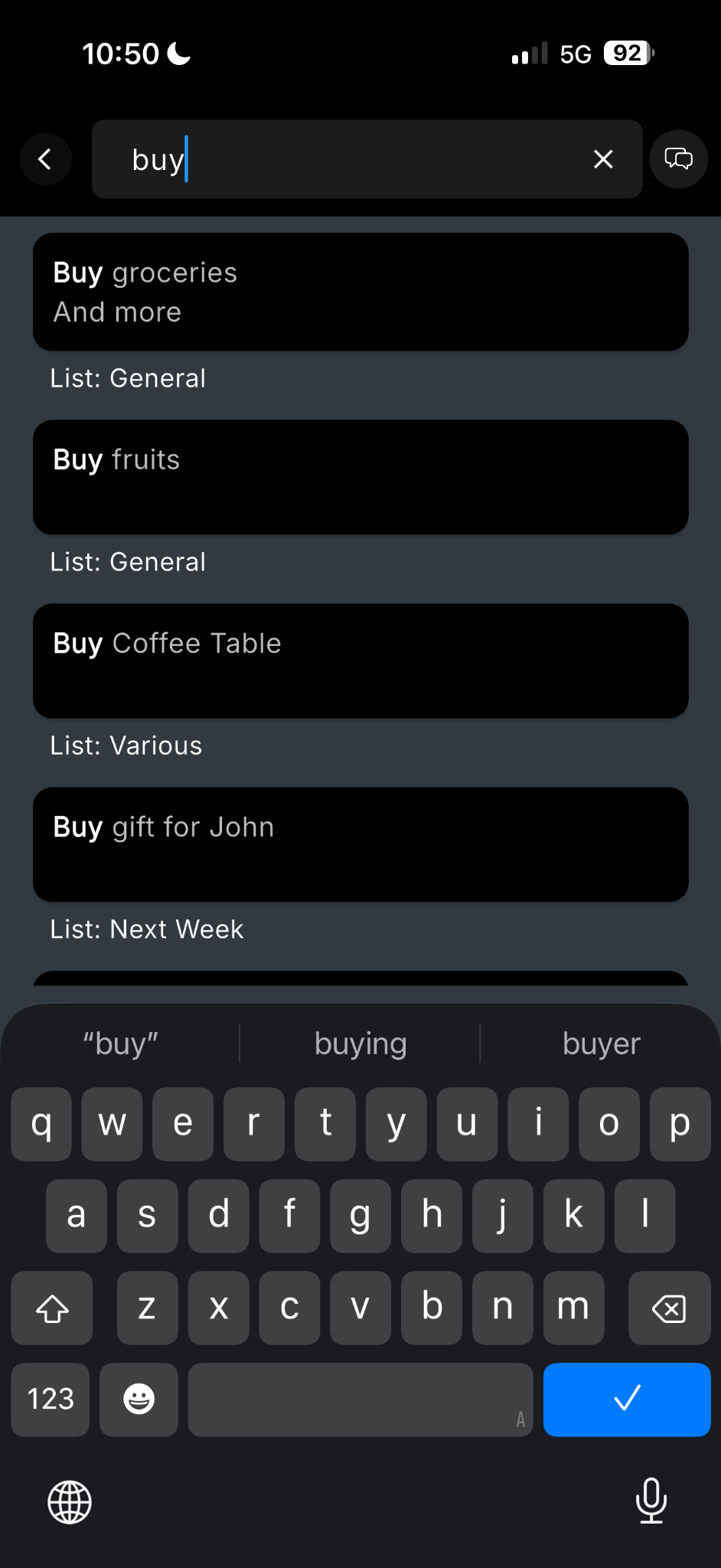
Save content ideas quickly and find them later with instant search across boards and cards.
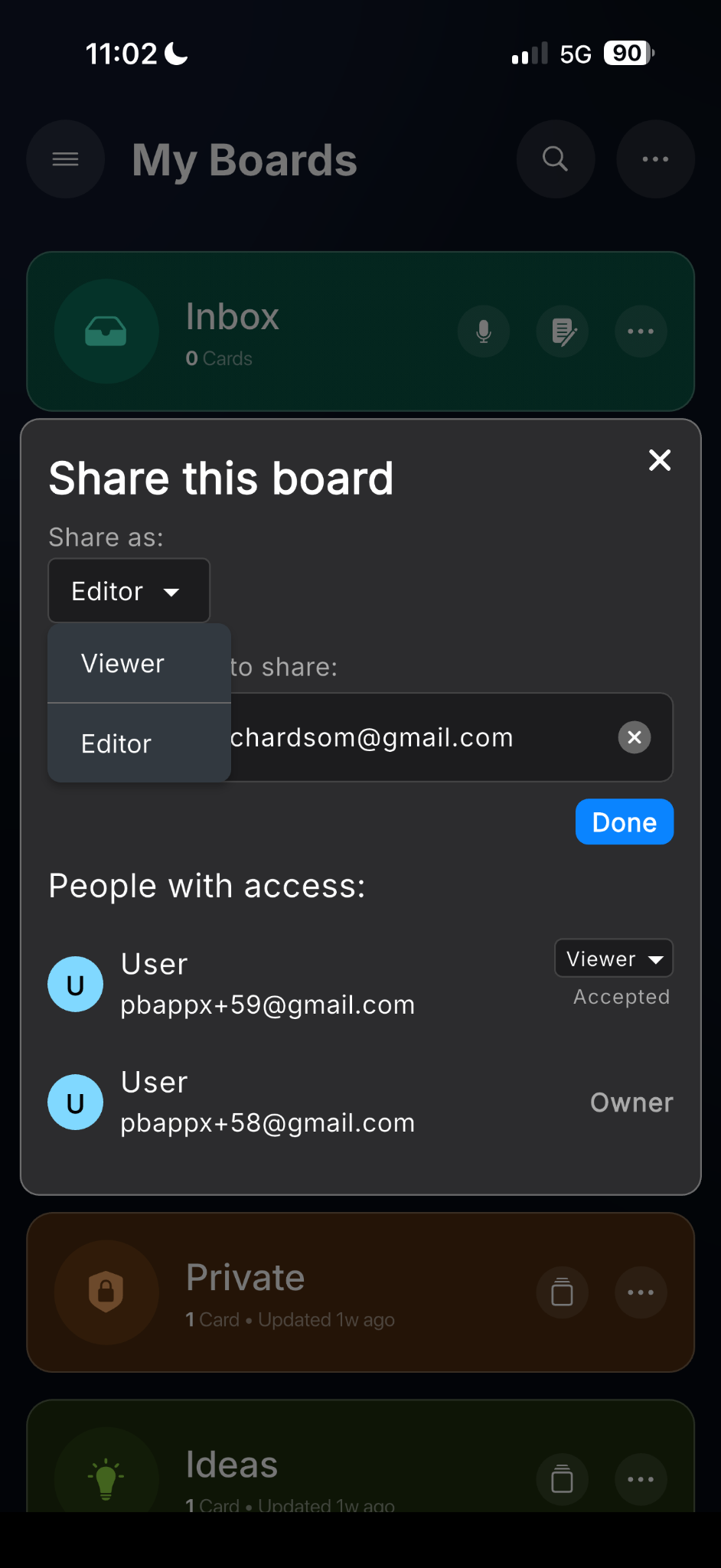
Work with colleagues, freelancers, or clients using viewer and editor board access.
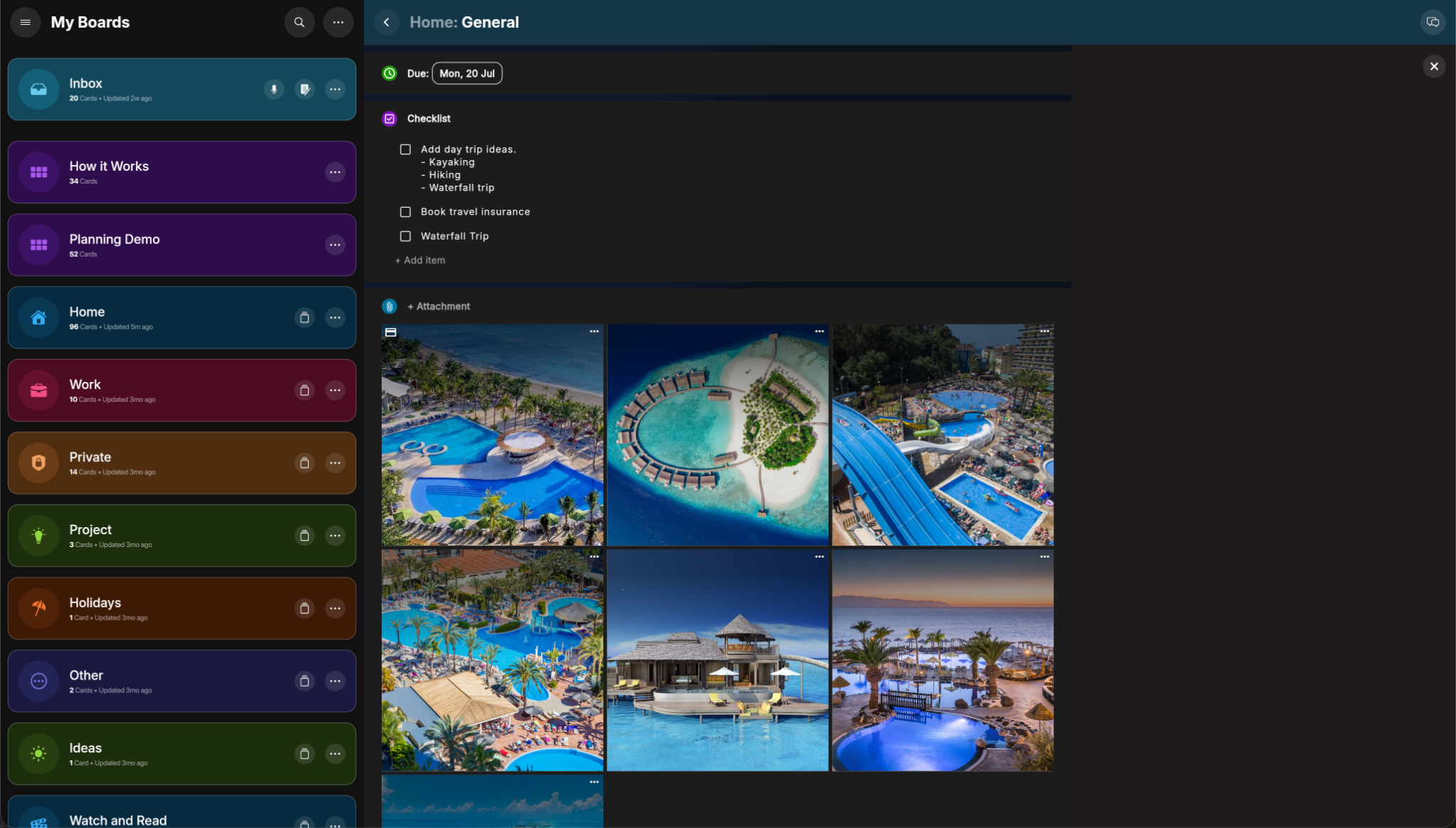
Keep notes, files, images, checklist items, due dates, and priorities attached to the work.